Android Security Update Status: How to Verify Support
External databases reveal silent support cutoffs that phone settings hide
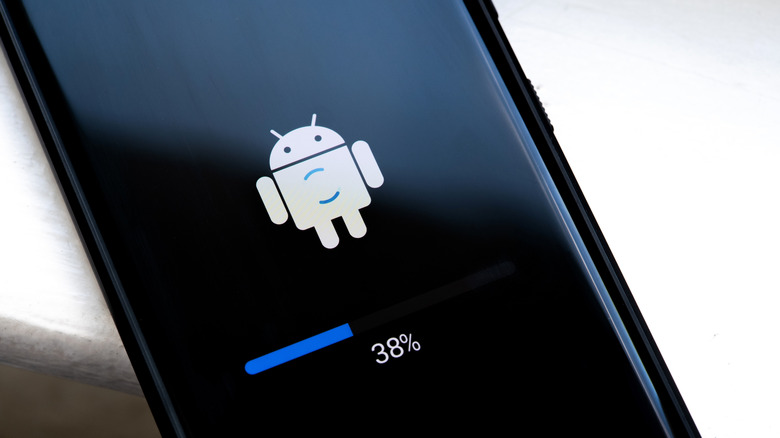
Most Android users cannot determine if their device is still receiving critical security patches simply by checking the phone’s settings menu. While the operating system displays the date of the last installed update, it does not indicate whether future fixes are scheduled or if the manufacturer has silently ended support. This lack of transparency creates a significant vulnerability window where devices appear functional but are increasingly exposed to exploits targeting unpatched software.
Determining true support status requires cross-referencing on-device information with external manufacturer databases and third-party tracking resources. Relying solely on the “Check for updates” button is insufficient because carriers and OEMs often cease pushing notifications for end-of-life devices without warning. Users must actively verify their model against official lifecycle policies to distinguish between a temporary delay in patch delivery and permanent abandonment.
Interpreting On-Device Security Indicators
The Android version and security patch level found under Settings > About Phone serve as baseline health metrics rather than definitive proof of ongoing support. A security patch date that is three to six months behind the current calendar date typically signals that the device is nearing or has passed its end-of-life threshold. However, this metric can be misleading during global rollout delays or carrier-specific testing periods.


Google Play system updates provide a separate layer of defense that operates independently of full OS security patches. These modular updates address vulnerabilities in core system components like media frameworks and connectivity stacks without requiring a complete firmware flash. Checking the Play Store under Manage apps & device > Updates available reveals whether these critical subsystem patches are current, offering partial protection even when the main OS update cycle has slowed.

Verifying End-of-Life Dates Externally
Because manufacturers rarely display expiration dates within the device interface, independent verification is necessary. Resources like endoflife.date aggregate official support calendars into searchable databases, allowing users to confirm exact cutoff dates by model number. For example, while the Google Pixel 6 Pro reached end of support in October 2026, newer models like the Samsung Galaxy S26 FE maintain coverage through September 2033.
Support windows vary significantly across brands and are calculated from the original retail release date, not the individual purchase date. Google now guarantees seven years of combined OS and security updates for Pixel 8 and newer devices. Samsung matches this seven-year commitment for Galaxy S24 series and Z Fold/Flip6 models, while older flagships and A-series phones typically receive four to six years. OnePlus offers five years of security patches for the OnePlus 12 and six years for the OnePlus 13, alongside four years of OS upgrades.
Regulatory pressure is beginning to standardize these commitments. The European Union’s Ecodesign for Sustainable Product Regulation, effective June 2025, mandates a minimum of five years of software support for smartphones sold in the region. This policy forces manufacturers to extend lifecycles for compliant markets, though devices sold outside the EU may still follow shorter legacy schedules.
Risk Mitigation for Unsupported Devices
When a device confirms end-of-life status, immediate behavioral changes are required to reduce attack surface. Unsupported phones should no longer be used for high-risk activities such as mobile banking, accessing password managers, or handling sensitive work communications. The absence of kernel-level patches means newly discovered vulnerabilities remain permanently exploitable regardless of user caution.

Maintaining an unsupported device as a secondary unit requires strict hygiene protocols. Enable automatic app updates through Google Play to ensure application-layer vulnerabilities are patched even when the OS is not. Disable installation from unknown sources to prevent sideloaded malware exploitation. Audit installed applications and revoke unnecessary permissions, particularly for apps that have not been updated recently. Avoid public Wi-Fi networks entirely unless routing traffic through a verified VPN service.
For primary devices past their support window, replacement is the only reliable security solution. Current flagship offerings from Google and Samsung provide the longest guaranteed protection horizons. Before purchasing any new Android device, buyers should verify the specific model’s published update commitment rather than assuming parity across a brand’s entire lineup, as budget variants frequently carry shorter support terms than their premium counterparts.