How Long Will Your Kindle Last? 2026 Releases, Support Cutoffs, and More
New Colorsoft and Click Require 2024+ Devices; Older Models Face Store Cutoffs
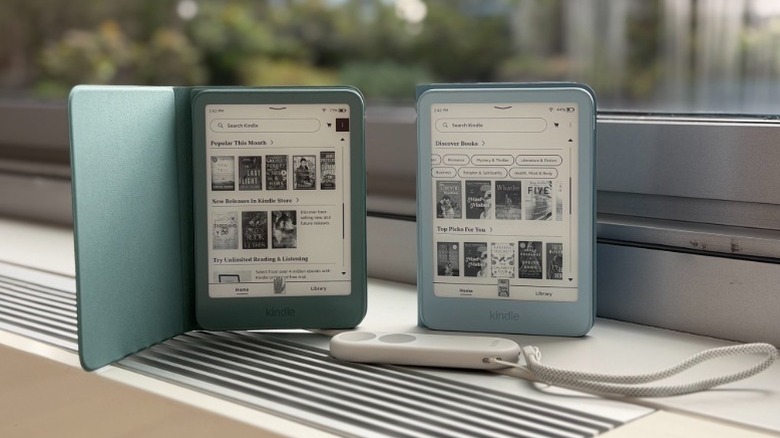
Amazon’s newest 2026 Kindle lineup arrives this fall with refreshed design and new features, but for owners of older models, the key question isn’t just what’s new—it’s whether their current device’s lifespan is still viable. The answer depends on three variables: software support windows, battery health, and whether the model retains access to the Kindle Store.
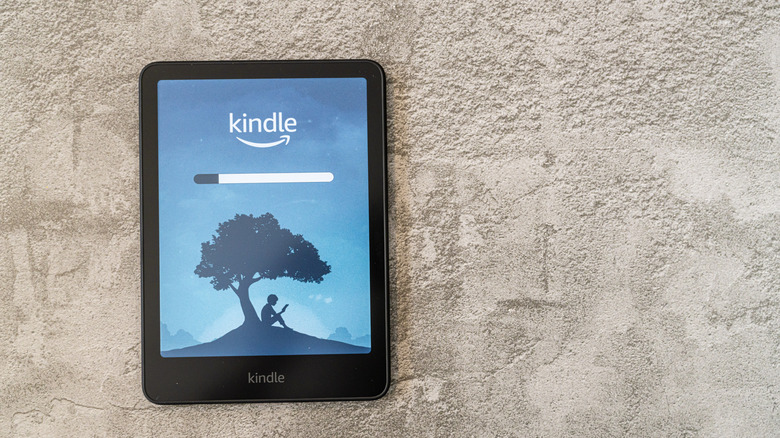
Amazon commits to a minimum of four years of security updates for every Kindle it sells, but that floor often gets exceeded. The 2024 Paperwhite and first-generation Colorsoft are scheduled for security patches through December 2030—roughly six years from launch. The 2026 models are expected to follow a similar timeline, though Amazon has not yet published official end-of-life dates for them.
Software support is only one pillar of a Kindle’s usable life. Even after updates stop, most devices remain functional for years: a 2013 Paperwhite still reads DRM-free books via USB or email transfer, and older models can continue accessing content already downloaded to their storage. Because Kindles store minimal personal data and security patches primarily target jailbreak exploits, using an unsupported device carries far less risk than running an unpatched laptop or phone—owners can also keep the device offline to eliminate exposure entirely.


But a full cutoff changes everything. Earlier this year, Amazon disabled store access for devices released between 2007 and 2012—including the original Kindle, Kindle 2, DX, Keyboard, Touch, and first Paperwhite—leaving them unable to buy, borrow, or download new titles. These devices can still read content already on their storage, but they are cut off from the ecosystem Amazon actively maintains.
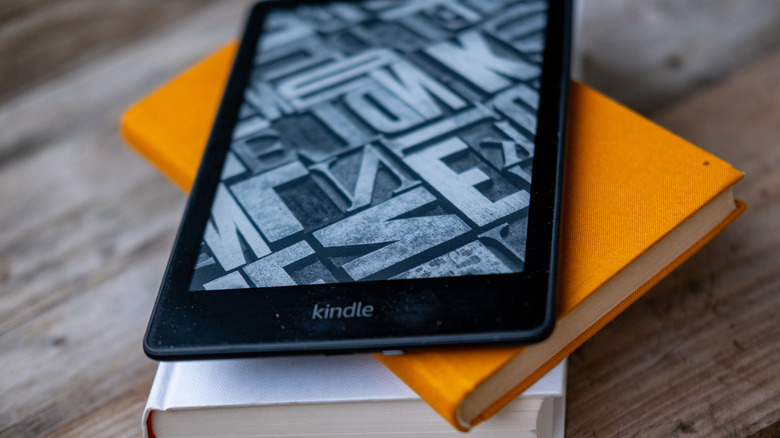
Hardware wear is another factor. Out of the box, a typical Kindle lasts six to twelve weeks on a single charge with moderate use (about 30 minutes daily). Over time, the lithium-ion battery degrades, so a device that now needs charging weekly instead of monthly is showing age. Screen issues like stuck pixels, discoloration unrelated to warm light settings, or slow page turns and menu navigation are also early warnings of an aging unit.
Not all models face support cuts at the same pace. Amazon has not announced which devices will lose store access next, but analysts expect the second-generation Paperwhite (released 2012) to be a candidate as it ages, alongside other pre-2014 models that have already missed multiple update cycles. Checking a model’s status is simple: go to Settings > Device Options > Device Info on the device, or use Amazon’s Manage Your Devices page online. Third-party trackers like endoflife.date also list supported and discontinued models.
For readers wondering whether to upgrade, the latest 2026 Colorsoft adds a color E Ink display, while the Kindle Click introduces a physical button interface—but both require devices from 2024 or newer to pair. That means older Kindles can’t use these new accessories even if they still function. If your current device shows no critical hardware failures and still connects to the store, there’s no urgent need to replace it. But once battery life drops below a week of moderate use, or store access is cut, upgrading becomes practical.
Amazon has confirmed the 2026 Kindle Colorsoft and Kindle Click will launch in October 2026, with pre-orders opening next month. These launches mark the latest step in Amazon’s ongoing refresh of its e-reader lineup, which has shifted focus toward color displays and dedicated hardware buttons for navigation.