Cross-Platform Mobility vs Data Protection: How exFAT and NTFS Define Storage Standards
Selecting between Microsoft file systems requires balancing cross-operating system compatibility with advanced journaling and security safeguards.
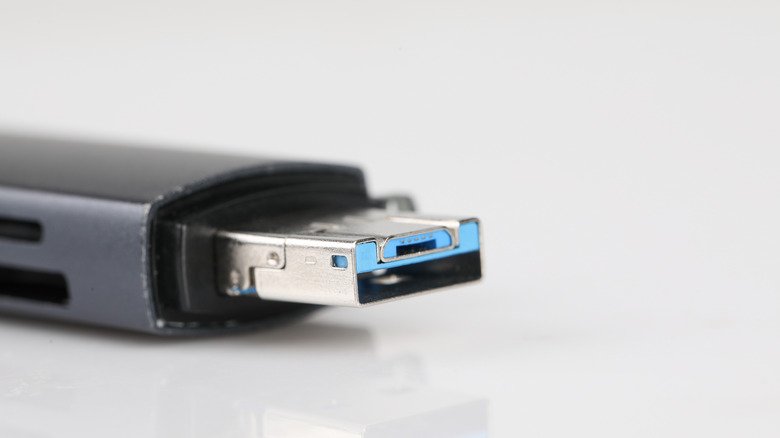
Selecting between Microsoft‘s two primary file systems, exFAT and NTFS, presents a direct tradeoff between seamless cross-platform mobility and enterprise-grade data protection. While external storage formatting choices affect daily file transfers, selecting an incompatible file system risks operational disruptions, restricted read-write permissions, and data loss.
Introduced by Microsoft in 2006, exFAT (Extended File Allocation Table) was engineered specifically as a lightweight, cross-platform solution for flash-based storage media, including external SSDs, SD cards, and any general USB drive. Unlike the legacy FAT32 format, which caps individual file transfers at 4GB, exFAT removes practical file size boundaries to comfortably host massive assets such as uncompressed disk images and raw 4K videos.
The operational strength of exFAT lies in native interoperability across both Windows and macOS systems. However, this flexibility comes at the cost of advanced system safeguards. exFAT lacks metadata journaling, making external drives significantly more vulnerable to file corruption if unplugged during an active write cycle. Additionally, exFAT omits native file encryption and granular permission settings, and Apple systems cannot use exFAT volumes for automated macOS Time Machine backups, which mandate APFS or Mac OS Extended formats.

By contrast, NTFS (New Technology File System) remains the default file system for Windows internal drives and enterprise environments where security and data integrity are mandatory. NTFS incorporates built-in file permissions, system-level encryption, and continuous journaling to track changes and prevent corruption during sudden power failures or system crashes.
While NTFS offers maximum reliability for Windows-centric setups, cross-platform deployment remains restricted. macOS can natively read files from an NTFS volume but cannot write, edit, or delete data on the drive without specialized third-party driver software.