Why Screen Protectors Can Destroy Your MacBook Display
Apple's ultra-thin display clearance means adhesives, hardshells, and keyboard covers risk cracking the glass or stripping the anti-reflective layer.
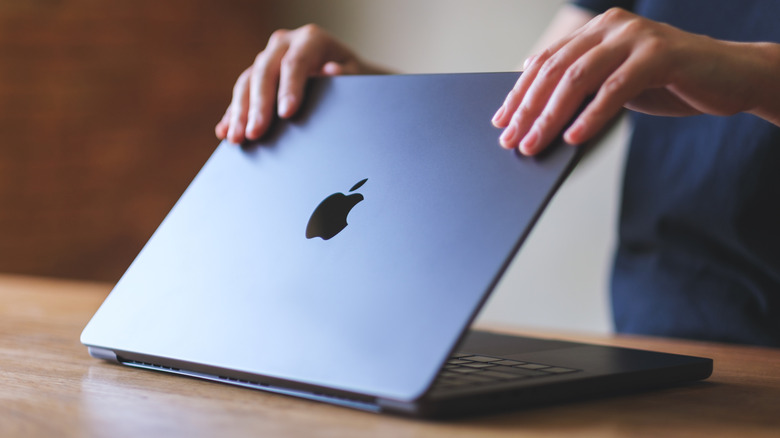
Apple engineers design MacBook displays to close with microscopic precision. The gap between the glass panel and the keyboard deck measures fractions of a millimeter, a tolerance so tight that adding almost any aftermarket layer to the screen risks catastrophic hardware failure.
Unlike smartphones, which endure constant handling, pocket friction, and frequent drops, laptops operate on stable surfaces and remain closed during transport. Applying an adhesive screen protector to a MacBook introduces structural and cosmetic liabilities that directly contradict the machine’s physical engineering.
The most immediate casualty is the display’s anti-reflective coating. Apple applies this specialized layer to reduce glare and maintain color accuracy across its Retina and Liquid Retina XDR panels. Adhesive protectors bond directly to this coating. Removing the film—even carefully—frequently strips the anti-reflective layer away in patches, leaving permanent, cloudy distortions across the glass. This exact failure mechanism plagued older Retina MacBooks in a widespread defect users dubbed “Staingate,” prompting Apple to launch a quiet repair program for affected units. Modern coatings remain vulnerable to the same mechanical stress from adhesives.


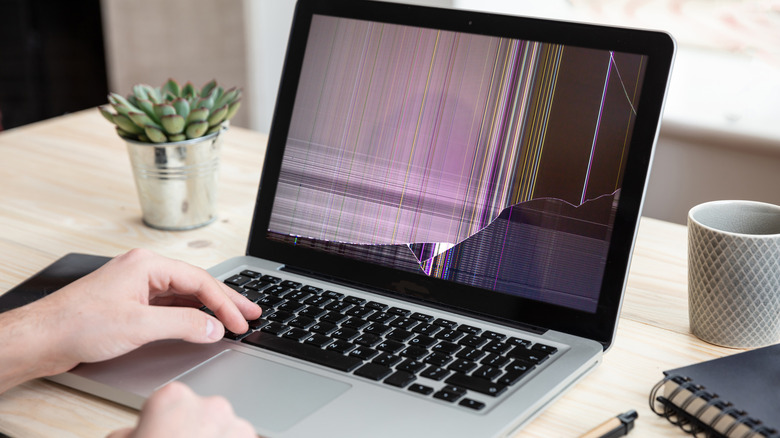
Thickness presents a separate mechanical threat. Tempered glass protectors, standard in the smartphone accessory market, add enough bulk to bridge the clearance gap when the lid shuts. Forcing the laptop closed transfers pressure directly into the LCD matrix beneath the glass. This localized stress fractures pixels or cracks the underlying panel entirely, resulting in a repair bill that routinely exceeds $600 for modern Apple Silicon models.
Even optical clarity suffers. The additional material scatters light before it reaches the user’s eyes, dulling contrast ratios and muting the wide color gamut (P3) that defines Apple’s premium displays. Air bubbles trapped under large-format laptop films further degrade the viewing experience across a 14-inch or 16-inch canvas.
Users requiring privacy filters for public workspaces have safer options. Magnetic solutions, such as the Kensington UltraThin Magnetic Privacy Screen Filter sold through Apple’s official store, bypass adhesives entirely. Because they rely on magnets rather than glue, they detach instantly before the laptop closes, preserving both the anti-reflective coating and the hinge clearance.
This strict tolerance requirement extends well beyond screen protectors. Hardshell snap-on cases add weight to the display lid, accelerating hinge wear over time. Poorly ventilated shells trap thermal output against the aluminum chassis, forcing the internal fans to spin faster and louder to cool the M-series processors. Any protective case must feature precise vent cutouts and weigh as little as possible to avoid altering the thermal envelope.
Keyboard covers and webcam sliders trigger identical clearance failures. A silicone keyboard cover pressed against the screen while closed leaves permanent oil marks or physically dents the glass. Apple explicitly warns that leaving a palm rest cover or keyboard shield in place during transport compromises the display. Webcam covers, popularized by corporate security policies, block the ambient light sensor located near the camera array, disabling automatic brightness adjustments and True Tone functionality. If a physical webcam blocker is mandatory for compliance reasons, Apple dictates it must be no thicker than a standard sheet of printer paper and removed before shutting the lid.
Apple’s official support documentation maintains that the safest configuration for a MacBook during transport is exactly how it ships: bare, clean, and free of third-party layers bridging the chassis halves.