Why iPhone Messages Say “Not Delivered” and How to Fix It
Troubleshoot iMessage, RCS, SMS, and MMS delivery failures
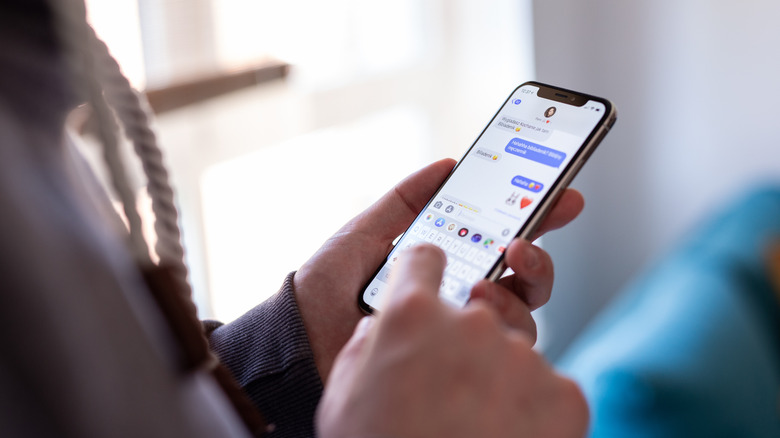
An iPhone text message can fail because the Messages application is balancing three separate communication pipelines: Apple’s proprietary iMessage platform, the newly integrated Rich Communication Services (RCS) standard, and legacy Short Message Service/Multimedia Messaging Service (SMS/MMS) protocols. When the familiar red “Not Delivered” exclamation point appears, one of these pathways has broken down.
Introduced in 2011 with iOS 5, iMessage operated for more than a decade as a closed, proprietary network. Its blue chat bubbles identify messages routed through Apple’s push notification servers using Wi-Fi or cellular data, bypassing traditional cellular carrier texting limits. RCS, meanwhile, arrived with Apple’s adoption of the RCS Universal Profile in late 2024 alongside iOS 18.
That addition brought high-resolution media sharing, read receipts, and typing indicators to texting between iPhones and Android devices through internet-protocol (IP) data networks. When those networks fail, Messages can fall back to SMS and MMS, technologies dating to the early 1990s that use circuit-switched cellular signaling channels. The three systems depend on different network architectures, so a failure in one does not necessarily disable the others.


A temporary loss of internet connectivity is the most immediate cause of a “Not Delivered” warning. Weak Wi-Fi or a congested cellular tower can stall iMessage and RCS transmissions because both require an active data connection. Toggling Airplane Mode on and off from the Control Center forces the iPhone’s baseband processor to disconnect from and re-establish a handshake with the nearest cellular tower.
If data networks remain unresponsive, users can bypass IP-based routing by pressing and holding the failed message bubble and selecting “Send as Text Message.” The iPhone then sends it through the carrier’s legacy signaling network, which requires significantly less signal strength than LTE or 5G data networks. Automatic fallback is available under Settings > Apps > Messages by enabling “Retry as Text Message” (or “Send as SMS”).
Other failures occur during device upgrades, SIM card swaps, or carrier transitions, when the phone number must register correctly with Apple’s authentication servers. A failed registration can turn off iMessage or create routing glitches. In Settings > Apps > Messages, users can check that the iMessage switch is active and verify the correct phone number and Apple ID under the “Send & Receive” submenu. Disabling and re-enabling the switch forces a fresh registration request to Apple’s servers.
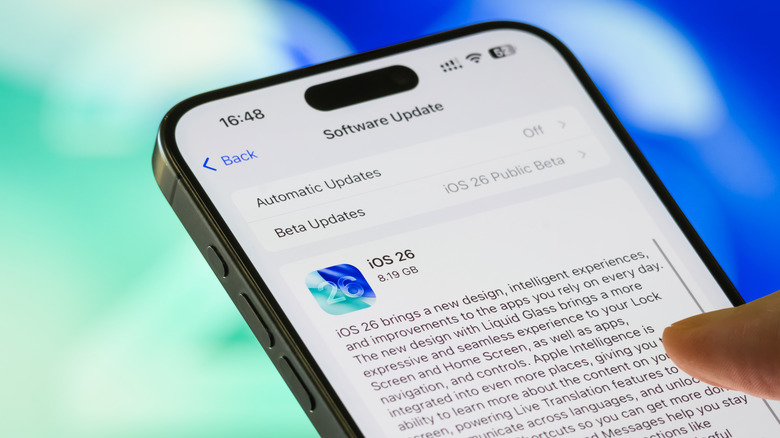
An older device running an outdated operating system may also encounter compatibility problems with updated carrier protocols. Apple continues to support older hardware, but devices that can no longer receive iOS updates are increasingly prone to service dropouts as carriers phase out legacy network technologies. The device can be updated through Settings > General > Software Update.
For green-bubble messages to non-iOS users, “MMS Messaging” must be enabled. Without that setting, the iPhone will reject photos, videos, or group texts sent to Android users who do not have RCS active. Wireless carriers also issue carrier settings updates separately from standard iOS updates; these include configurations for cellular handoffs and network authentication. To check for one, open Settings, tap General, and select About. If an update is available, a prompt appears automatically within a few seconds.
When failures affect only one recipient, the problem may be on the receiving end. The recipient’s device could be powered off, outside cellular service range, or experiencing its own activation issues. A persistent “Not Delivered” status for one contact can also indicate that the sender’s number has been blocked. For wider systemic issues, Apple’s public System Status page can show whether core iMessage or iCloud services are experiencing nationwide or regional outages.