Why CarPlay and Android Auto Overheat Your Phone
Running three radios and 3D maps simultaneously pushes passively cooled smartphone hardware past its thermal limits.
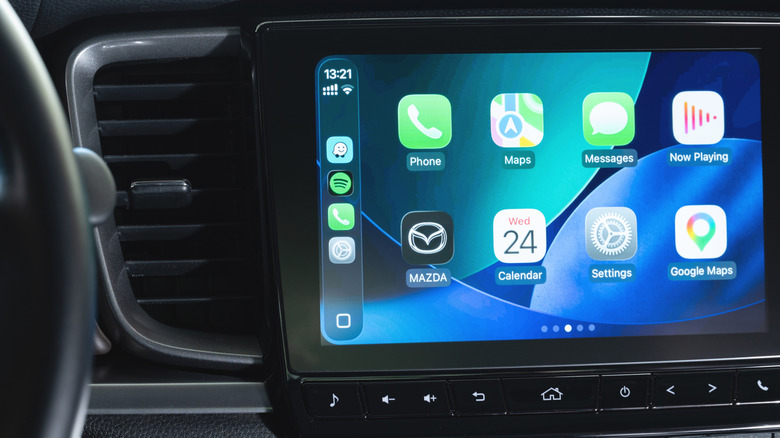
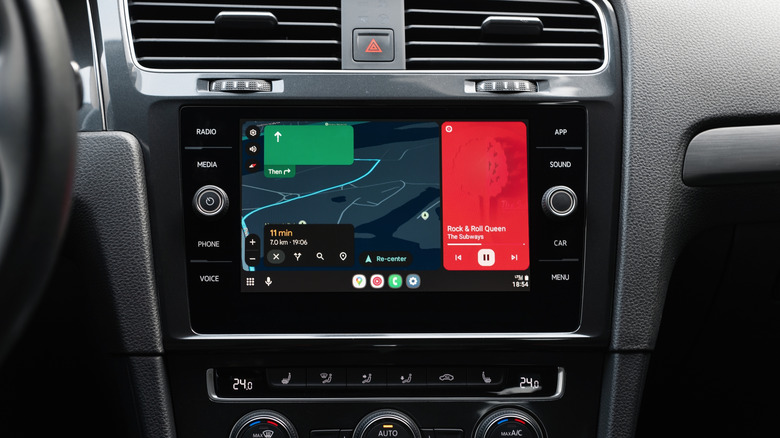
Wireless Apple CarPlay and Android Auto push smartphone processors to limits rarely tested outside of mobile gaming. The resulting thermal spikes routinely force devices into protective throttling, interrupting navigation and audio streaming during critical driving moments.
Modern smartphones rely on passive cooling. Unlike laptops, they lack internal fans, dissipating heat entirely through their chassis. When a device projects its interface to a vehicle’s infotainment system wirelessly, it operates three distinct radios simultaneously: Bluetooth initiates the connection, Wi-Fi Direct sustains the high-bandwidth video stream to the dashboard display, and the cellular modem maintains a 4G or 5G link for live traffic and map rendering. Running all three continuously generates substantial baseline heat before any applications even launch.


Navigation software compounds this burden. Rendering real-time 3D terrain while constantly polling GPS satellites and downloading updated routing data demands sustained peak CPU and GPU performance. Streaming lossless audio over a music platform at the same time eliminates any idle cycles that would otherwise allow the processor to cool down. For most current-generation devices, including recent iPhones and flagship Android handsets, this specific combination represents one of the heaviest continuous workloads the hardware can sustain.
How the phone receives power inside the cabin frequently dictates whether it survives the drive without shutting down. Qi-based wireless charging pads, which are now standard equipment in millions of vehicles from manufacturers like Toyota, Ford, and Hyundai, operate by transferring energy via magnetic induction. This process inherently produces waste heat directly against the back glass of the phone. MagSafe chargers introduce similar thermal loads. Combining inductive charging with the heavy processing required for wireless projection often pushes internal temperatures past the safe operating threshold.
Cabin environment and physical placement act as the final variables. A windshield mount exposes the device to direct solar radiation, effectively turning the screen into a solar absorber. Conversely, resting a phone in a deep center console tray traps the heat radiating from the chassis, preventing airflow from carrying it away. Blasting the heater directly onto a vent-mounted phone during winter months creates a similar insulating effect.
When internal sensors detect dangerous temperatures, the operating system intervenes aggressively to prevent permanent battery degradation or logic board damage. Users typically experience this as sudden frame drops in the mapping interface, an automatic halt to charging, dimmed screens, or a complete shutdown of the projection session. On a 5G network, the faster data throughput allows mapping applications to request and process information more rapidly than on older LTE connections, paradoxically accelerating heat generation if the processor is not allowed to rest.
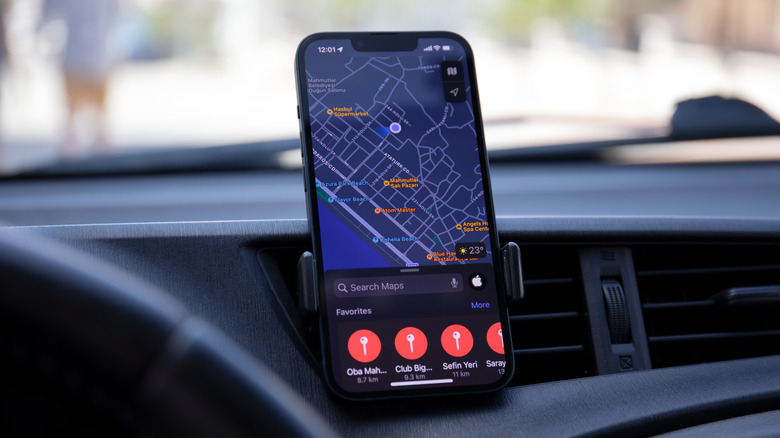
Mitigating these thermal events requires altering how the phone connects and where it sits. Wired USB projection bypasses the need for both Bluetooth and Wi-Fi Direct, immediately eliminating the heat generated by those two radios. Switching from a wireless charging pad to a wired USB connection further removes inductive heat from the equation. For short trips where the battery starts above 50 percent, disconnecting from power entirely prevents charging-related thermal buildup.
Mounting hardware should position the phone in the path of climate-controlled air without subjecting it to extreme temperature blasts. A dashboard mount placed near an air conditioning vent allows the vehicle’s cooling system to act as a makeshift heatsink for the phone’s chassis. Drivers must avoid leaving the device in enclosed storage cubbies or direct sunlight.
Software adjustments offer marginal but sometimes necessary relief. Disabling 3D building renderings in mapping applications reduces GPU load. Closing background apps and performing periodic reboots clears cached processes that might be executing hidden tasks and generating excess warmth.
The automotive industry’s shift toward native infotainment systems reflects these persistent hardware limitations. General Motors began phasing out smartphone projection in favor of built-in Android Automotive OS interfaces starting with its 2024 models, specifically to offload processing and thermal stress from personal devices to the vehicle’s own actively cooled computing hardware. As of late 2026, both Apple and Google continue to refine their projection protocols, though the fundamental physics of passively cooled mobile silicon remain unchanged.