Microsoft Warns Windows Update Access Will End for Older Versions in 2027 Without Certificate Updates
IT admins must deploy September 2025 or July 2026 security updates depending on version to maintain update access past June 2027
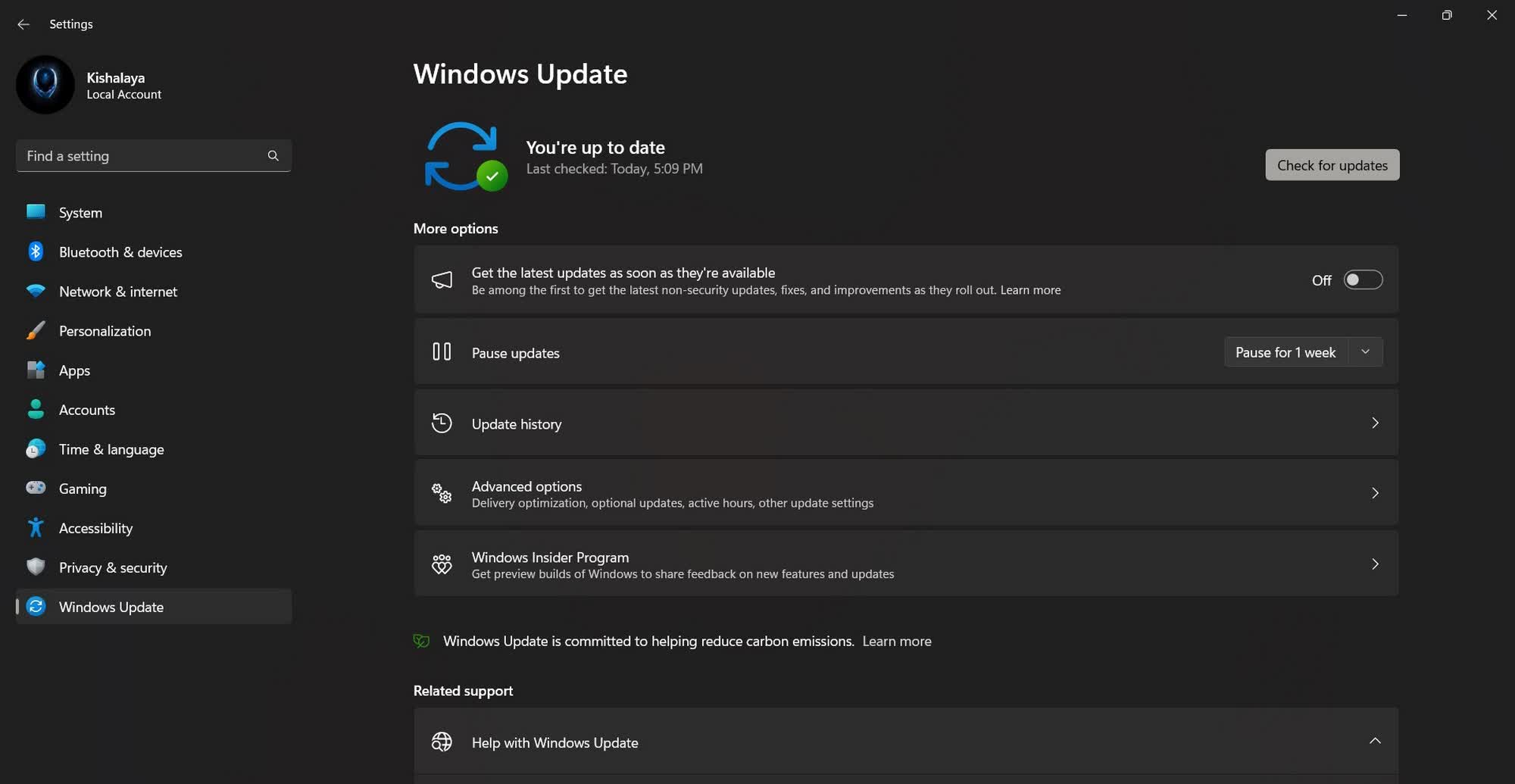
Microsoft has alerted IT administrators that devices running older supported versions of Windows will lose access to Windows Update services after June 19, 2027, unless they install specific security updates that refresh expired root certificates. The change affects virtually all client PCs, workstations, and servers still receiving support — except those managed through Windows Server Update Services (WSUS) on enterprise networks.
The certificates that authenticate Windows Update connections have fixed expiration dates and must be rotated periodically. Devices running Windows 11 version 25H2 or later already carry the updated certificates. For older releases, the required patches arrive on different schedules:
– Windows 11 version 24H2 and Windows Server 2025: Must install the September 2025 security update or later.
– Other supported Windows 11 versions and Windows Server 2022: Require the July 2026 security update or later.
– Supported Windows 10 versions: Also need the July 2026 security update or later.


All of the above share the same hard deadline: June 19, 2027. After that date, Windows Update will stop delivering monthly security and quality patches to non-compliant devices.
Long-Term Servicing Channel (LTSC) and Long-Term Servicing Branch (LTSB) releases face an earlier cutoff. Windows 10 Enterprise 2019 LTSC, Windows Server 2019 LTSC, and Windows Server 2016 LTSB must install the July 2026 security update by May 17, 2027 — a month ahead of the general deadline.
Devices running unsupported Windows versions — including Windows 10 21H2 and earlier, which reached end of service on October 14, 2025 — will also lose Windows Update access. Microsoft recommends upgrading those systems to a supported release.
The certificate rotation is a routine cryptographic hygiene practice. Root certificates used by Microsoft’s update infrastructure are issued with 10-year lifespans. As they approach expiration, Microsoft distributes new ones through security updates so clients can continue verifying the authenticity of update servers. Without the new certificates, devices cannot establish trusted connections to Windows Update endpoints.
Organizations using WSUS are unaffected because the WSUS server itself handles certificate validation and content distribution to managed clients. However, standalone devices and those using Windows Update for Business must comply.
The warning comes amid ongoing scrutiny of Windows update quality. Over the past year, several monthly releases have introduced regressions — including Recycle Bin and OneDrive failures, Nvidia GPU performance regressions, and installation failures severe enough that Microsoft pulled at least one patch. The company acknowledged the pattern in early 2025 and shifted engineering focus toward stabilization.
IT administrators should inventory affected devices, schedule the required updates before the applicable deadlines, and verify WSUS configurations where applicable. Microsoft has published a detailed support article mapping each edition to its required update and deadline.