Factory ‘Store Mode’ Settings Impairing Out-of-the-Box Television Performance
Retail demonstration settings override custom user configurations and distort image parameters in residential environments.
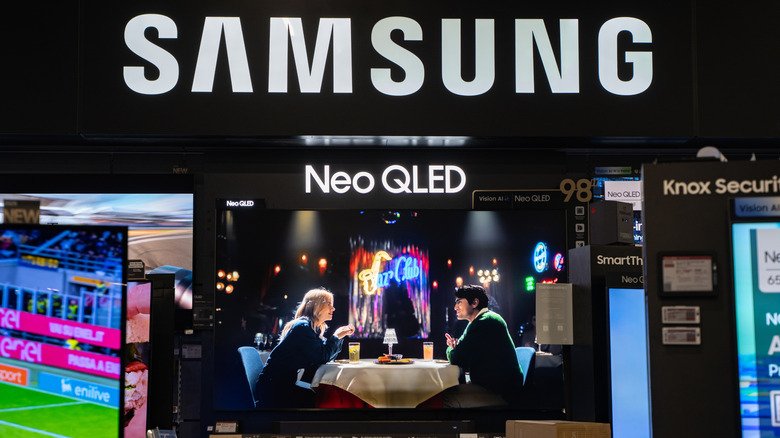
Television buyers setting up newly purchased displays frequently encounter substandard picture quality and persistent setting resets as a result of factory-enabled store mode configurations, an industry setting tailored specifically for high-luminance retail environments.
The pre-set profile, also referenced across manufacturers as demo mode or retail mode, automatically maximizes backlight intensity and inflates contrast ratios to compensate for bright overhead fluorescent lighting found in brick-and-mortar stores. Beyond visual distortions in standard home settings, the feature routinely activates looping promotional graphics detailing resolution and refresh rate specs, while forcing the television to wipe manual user adjustments back to factory retail baselines every few minutes.
Although energy efficiency regulations such as international Energy Star standards require displays to default to low-power home profiles during initial setup, units shipped directly from distribution centers or online retailers can occasionally arrive with retail demonstration profiles active.
Menu structures for disengaging the retail baseline vary across display brands. On TCL televisions, the control resides under Settings, Advanced Settings, and Usage Mode, where users must manually toggle the setting from Store Mode to Home Mode. Other manufacturers embed the parameter under Advanced Settings, Demo Mode, or Retail Mode, while requiring consumers to ensure that secondary settings like Auto Store Mode are also fully disabled.
Transitioning the display to a home profile removes on-screen spec overlays and allows manual brightness, contrast, and content-specific preset calibrations to persist across power cycles.