USB 3.0 Devices and Peripherals Can Kill Your Wi-Fi Speed
Unshielded USB 3.0 cables and crowded 2.4GHz channels create local dead zones that no broadband upgrade can fix.

A sluggish home or office internet connection often has nothing to do with the broadband provider. The real bottleneck frequently sits directly on the desk, generated by the electromagnetic noise of wireless dongles, USB 3.0 peripherals, and household electronics crowding the same radio frequencies that routers use to transmit data.
The root of the problem lies in the 2.4GHz frequency band, an unlicensed slice of the radio spectrum designated for industrial, scientific, and medical use in 1985. Because manufacturing components for this band is inexpensive, it became the default operating space for Bluetooth accessories, older Wi-Fi standards, cordless phones, baby monitors, and microwave ovens. In dense urban environments like apartment buildings or open-plan offices, dozens of neighboring networks and devices compete for bandwidth within this narrow wavelength, causing signals to collide, degrade, or drop entirely.

While the 2.4GHz band is divided into channels—typically 1 through 11 in North America—only channels 1, 6, and 11 are completely non-overlapping. When multiple routers and peripherals operate on adjacent channels, their signals bleed into one another, creating co-channel interference that throttles throughput regardless of how fast the underlying internet plan is.
A lesser-known but equally disruptive source of interference comes from wired connections. The USB 3.0 standard, introduced to deliver faster data transfer rates, inadvertently generates broad-spectrum electromagnetic radiation spanning 2.4GHz to 2.5GHz during high-speed operations. Unshielded USB 3.0 cables, external hard drives, and docking stations plugged directly into a laptop or desktop emit noise that blankets the exact frequency used by 2.4GHz Wi-Fi. Intel first documented this shielding deficiency in a widely cited 2012 white paper, yet many modern peripheral enclosures still lack adequate electromagnetic interference (EMI) shielding.
Newer networking standards attempt to bypass this congestion. Wi-Fi 6E and Wi-Fi 7 route traffic through the 5GHz and 6GHz bands, which offer significantly more channels and virtually no legacy device interference. However, higher-frequency radio waves have shorter wavelengths, making them far less capable of penetrating drywall, concrete, and solid furniture. When a smartphone or laptop moves out of direct line-of-sight from a Wi-Fi 7 router, the device automatically falls back to the congested 2.4GHz band to maintain the connection, instantly re-entering the interference zone.
Resolving local signal degradation requires physical intervention before adjusting software settings. Moving USB 3.0 peripherals away from the computer’s built-in Wi-Fi antenna using shielded extension cables or powered USB hubs creates immediate distance between the radiation source and the receiver. Basic input devices like mice and keyboards that do not require high bandwidth should be connected via USB 2.0 ports, which do not generate the same 2.4GHz noise profile as their faster counterparts.
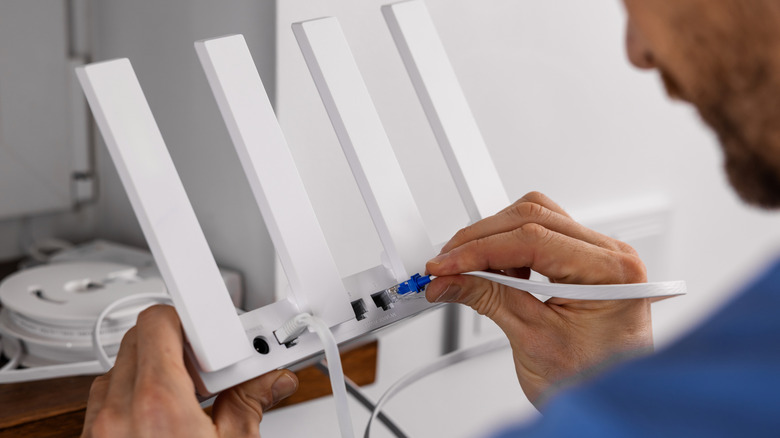
Router placement dictates how well a network handles environmental noise. Positioning a router next to a microwave oven, a cordless phone base station, or a cluster of wireless dongles guarantees signal collision. Elevating the router to a central, unobstructed location allows its antennas to broadcast over physical barriers rather than through them.
If hardware rearrangement fails to stabilize the connection, a manual reboot forces the router to flush its cached network data and rescan the local environment. During this handshake process, the router’s automatic channel selection algorithm evaluates current noise levels and attempts to anchor the network to the least congested frequency available at that specific moment.