How to Fix Roku Performance Lag Using Hidden Remote Commands
A remote shortcut and system reboot methods can clear accumulated temporary files and restore streaming performance.
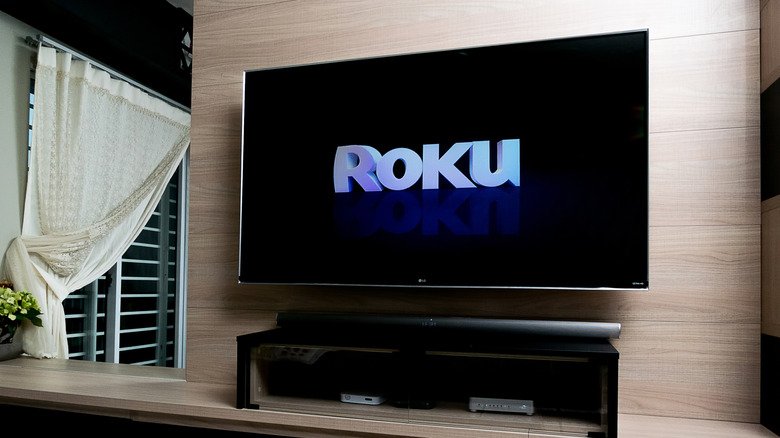
Smart TV operating systems frequently encounter performance slowdowns over time as cached files fill local storage partitions. While rival operating systems like Android TV provide native options to purge individual app data, Roku OS lacks a dedicated user-facing feature to delete system cache directly.
Caching is designed to enhance operational efficiency by storing temporary files, such as channel assets and video thumbnails, directly on the local storage of a Roku TV or streaming device. Over extended periods, however, this accumulated data can become corrupted or consume critical memory, causing frozen screens and sluggish interface navigation.
To resolve hardware sluggishness without performing a factory reset, users can trigger a hidden maintenance reboot via their original remote control. Executing the sequence requires pressing the Home button five times, the Up arrow once, the Rewind button twice, and the Fast Forward button twice in rapid succession. This combination forces the operating system to restart and flush transient cache files.
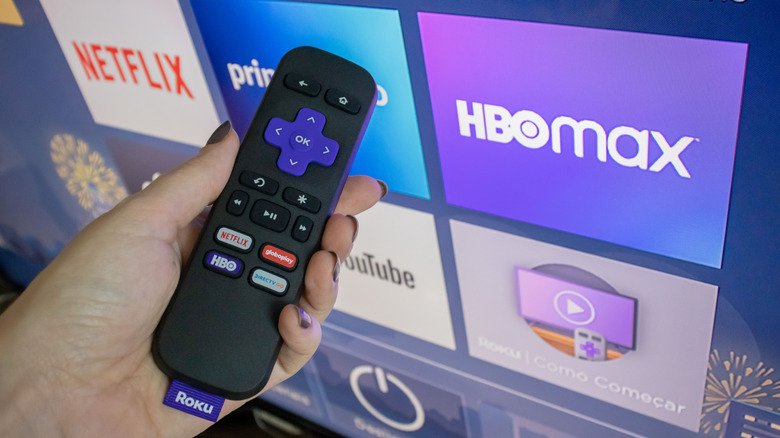
Standard menu navigation offers a non-shortcut alternative to achieve the same result. Because pressing a standard power button typically places modern media players into a suspended standby mode, active RAM remains uncleared. Navigating to Settings > System > Power and selecting System restart guarantees a complete power release. Users can also physically power-cycle the hardware by unplugging the unit from its electrical outlet for approximately 30 seconds.
Maintaining current system firmware is another core factor in preventing hardware deceleration. Official guidance from Roku support recommends verifying pending software patches under Settings > System > Software update by selecting Check Now, ensuring operating system updates have ironed out background glitches before executing routine system restarts.
Performing a manual cache clear or system reboot once a month is generally sufficient to maintain optimal software responsiveness across connected streaming devices.