Smart Home Integration: How to View Ring Doorbell Feeds Directly on Your TV
A guide to integrating Ring security cameras with Fire TV and Samsung SmartThings for real-time alerts.

The convenience of the modern smart home often hinges on how well individual devices communicate with one another. For homeowners using Ring video doorbells, one of the most practical integrations is the ability to stream live footage directly to a television screen. This setup eliminates the need to reach for a smartphone or interrupt a viewing session to identify a visitor at the front door.
Since Amazon acquired Ring in 2018 for approximately $1 billion, the company has prioritized deep integration within its own hardware ecosystem. Consequently, the most seamless experience is found on devices running Amazon Fire OS. This includes not only Amazon’s branded televisions but also models from manufacturers like Toshiba, Insignia, TCL, and Hisense that utilize the Fire TV platform. For those without a native Fire TV, external hardware such as the Fire TV Stick or Fire TV Cube can provide the same functionality via an HDMI port.
To establish this connection on a Fire TV device, users must utilize the Alexa mobile app. The process involves enabling the “Ring” skill within the app and linking the two accounts. Once authenticated, the “Discover Devices” feature identifies the doorbell, allowing users to toggle on “Doorbell Press” and “Motion” announcements. When configured, a picture-in-picture (PiP) window automatically overlays the current TV content whenever the doorbell is activated, providing a real-time view of the porch without stopping the program.

While Amazon’s ecosystem is the most intuitive for Ring products, Samsung has carved out its own niche through the SmartThings platform. Samsung Smart TVs manufactured in 2022 or later act as integrated hubs for various IoT devices. By adding Ring as a “Partner Device” within the SmartThings mobile app, users can authorize the connection and enable notifications on the television’s interface. This cross-brand compatibility is a significant part of the broader industry trend toward interoperability, though it requires a few more manual steps than the native Amazon setup.
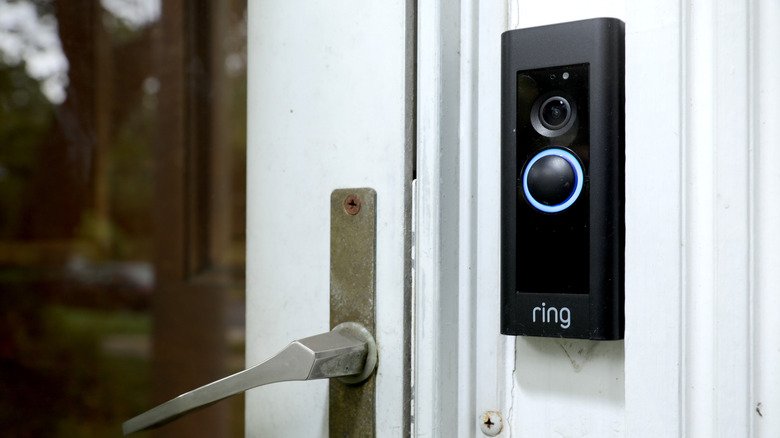
For users with televisions that do not support Fire OS or SmartThings, options become more limited. While screen mirroring from a smartphone is possible, it is often viewed as a redundant step, as the user must already have their phone in hand to initiate the stream. This highlights the ongoing fragmentation in the smart home market, where proprietary ecosystems still dictate much of the user experience despite the emergence of universal standards like Matter.
Security experts recommend that users linking these accounts ensure two-factor authentication is active on both their Ring and Amazon or Samsung accounts. As smart home devices become more interconnected, the surface area for potential digital intrusions increases, making account security as vital as the physical security provided by the doorbell itself.