The Cleaning Mistakes That Permanently Damage Your Smartphone
Avoid harsh cleaners, paper products, and direct liquid when sanitizing your phone
Smartphones are handled constantly in settings ranging from office conference rooms to public restrooms, making device hygiene a critical daily routine. Research conducted by the University of Arizona found that personal mobile phones carry up to ten times the amount of bacteria found on most toilet seats. Consumer handsets can also carry environmental and human-transmitted pathogens, including *Escherichia coli* and *Staphylococcus aureus*, transferred during daily handling in transit, dining, and workplace settings.
That sanitation routine can damage hardware when cleaning liquids or unsuitable materials are used. Mobile device displays are multi-layer glass assemblies bonded with protective chemical coatings, and household cleaning solvents, abrasive paper products, or direct liquid application can cause severe and potentially irreversible hardware degradation.
Modern smartphone screens, including Corning’s Gorilla Glass and Apple’s Ceramic Shield, use a factory-applied oleophobic coating. This ultra-thin layer of lipophobic fluoropolymers repels skin oils and maintains a low-friction surface for touch input. Ammonia-based glass cleaners such as Windex, sodium hypochlorite bleach, hydrogen peroxide, and pressurized compressed air can chemically strip the fluoropolymer bonds. Once the coating is lost, the glass becomes more susceptible to smudge accumulation, oil buildup, and physical friction, while touch resistance is permanently degraded.


Physical surface damage often comes from the wiping material rather than ambient dust. Paper towels, facial tissues, napkins, and rough woven fabrics contain cellulose fibers derived from wood pulp that act as micro-abrasives on glass. Repeated wiping with paper products leaves fine micro-scratches across the display substrate, which expand and become visually prominent over time.
Apple and Samsung maintain cleaning protocols intended to sanitize hardware without damaging physical components or voiding warranties. Before cleaning, the device should be powered off, disconnected from all external power sources, and removed from its protective enclosure. Moisture applied to an active, plug-in device creates electrical hazard risks and the possibility of a short circuit.
Liquids must never be sprayed or applied directly to the phone. They can seep into microscopic gaps around display bezels, physical button housings, and port openings. Even an IP68-rated device remains vulnerable to chemical solvents and fluid pressure; the International Protection rating tests resistance to static fresh water immersion at designated depths. Moisture entering the housing can trip internal Liquid Contact Indicators, causing hardware failure and voiding warranty coverage.
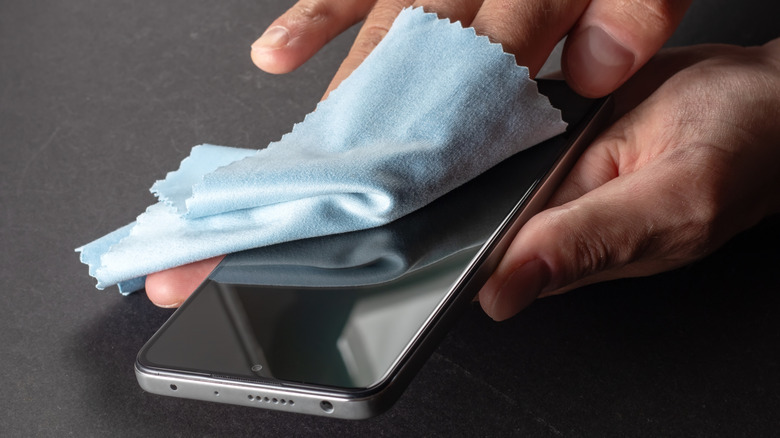
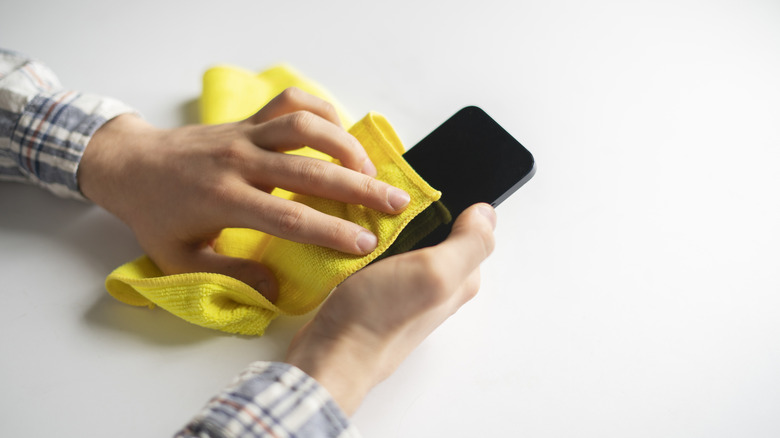
For routine sanitation, a lint-free microfiber cloth can be lightly dampened with a dedicated 70 percent isopropyl alcohol solution, a pre-moistened 70 percent isopropyl wipe, or mild soapy water. Excess liquid should be squeezed out so the cloth is damp rather than wet. Non-abrasive microfiber cloths, typically made from a synthetic polyester and polyamide blend, trap microscopic particles inside soft split fibers without scratching the glass surface.
The front screen and rear glass panel should be wiped gently with slow motions around USB-C ports, Lightning connectors, speaker grilles, and camera lens rings to prevent fluid ingress. Repeated or excessive use of alcohol solutions should be avoided because over-cleaning, even with approved 70 percent concentrations, gradually wears down oleophobic protections over time.
Protective cases need separate treatment according to their materials. Polycarbonate, plastic, and silicone cases can be disinfected with 70 percent isopropyl alcohol or warm, soapy water. Natural leather cases require different care: isopropyl alcohol strips essential oils from the leather’s collagen matrix, causing it to dry out, discolor, and crack. Leather covers should instead be wiped with a clean cloth lightly dampened with water and a mild, non-detergent hand soap.