

Google Maps navigation features include offline maps and incident reporting
Nine gestures and functions for navigation
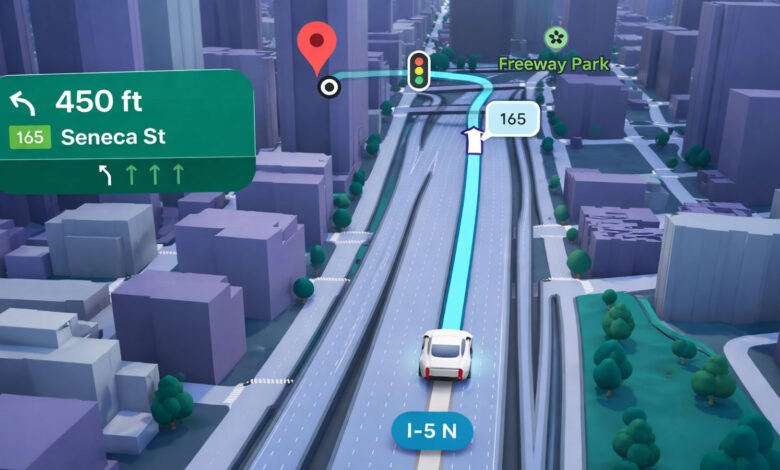
Google Maps includes nine specific gestures and functions for navigation. A horizontal swipe on the direction box displays upcoming turns on Android, iOS, Android Auto, and CarPlay. The re-center button and the voice command “OK Google, Re-center” return the map view to the current location.
Users can rotate the map by twisting two fingers on the screen. The application allows for adding stops to an active route by tapping a point on the map or using the search function. An incident reporting tool enables users to flag crashes, speed cameras, delays, construction, and road hazards. If multiple users report an incident, the information is displayed on the map for others.
Voice navigation settings offer unmuted, muted, and alerts-only modes. The “Share trip progress” feature sends live location and estimated arrival times to contacts for driving, walking, and cycling.
Offline maps are available by downloading specific geographical areas through the profile menu. Offline mode does not include traffic information, alternative routes, lane guidance, or directions for walking and public transit. Users can switch between routes by tapping gray lines on the display. Manual route dragging is limited to the web version of the service.