USB 3.0 vs USB 2.0: Technical Differences, Speed Benchmarks, and Port Compatibility
Understanding data transfer rates, power delivery, and connector compatibility between legacy and high-speed USB standards.
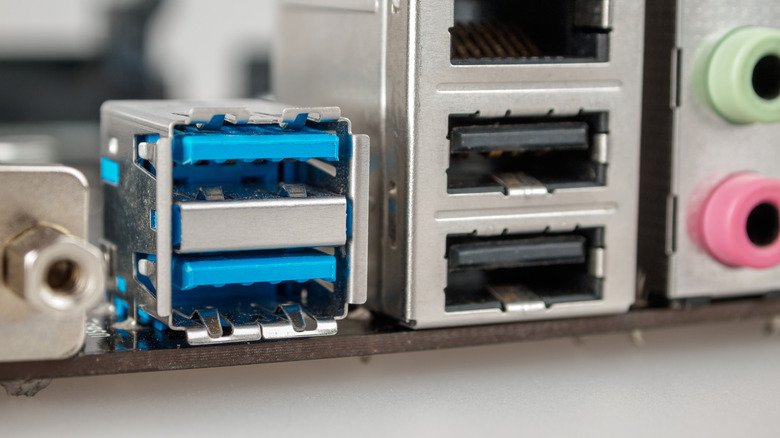
Connecting modern computer hardware into the wrong Universal Serial Bus (USB) port can significantly impair device performance, despite the outward similarity of standard Type-A physical connectors. While legacy USB 2.0 and newer USB 3.0 ports share identical outer dimensions, their internal architectures, power caps, and data transfer rates differ substantially.
The architectural gap between the two generations stems from internal wiring and bandwidth capacity established by the USB Implementers Forum. Introduced in 2000, USB 2.0 relies on four internal connector pins operating on a single data path, capping theoretical transmission speeds at 480 Megabits per second (Mbps). Real-world file transfers on USB 2.0 interfaces typically max out between 20 and 40 Megabytes per second (MB/s). In contrast, USB 3.0 incorporates five additional physical data lines—bringing the total to nine—which enables simultaneous dual-simplex communication. This upgrade boosts base theoretical bandwidth to 5 Gigabits per second (Gbps), delivering actual transfer speeds averaging 300 to 500 MB/s, with newer iterations like USB 3.2 reaching up to 20 Gbps.
Power output also represents a major operational distinction between the two standards. Standard USB 2.0 ports deliver up to 500 milliamperes at 5 volts, translating to a maximum power throughput of 2.5 watts. USB 3.0 increases available current to 900 milliamperes at 5 volts, supplying up to 4.5 watts. This increased power capacity allows external drives and power-intensive devices to operate without requiring secondary power sources.
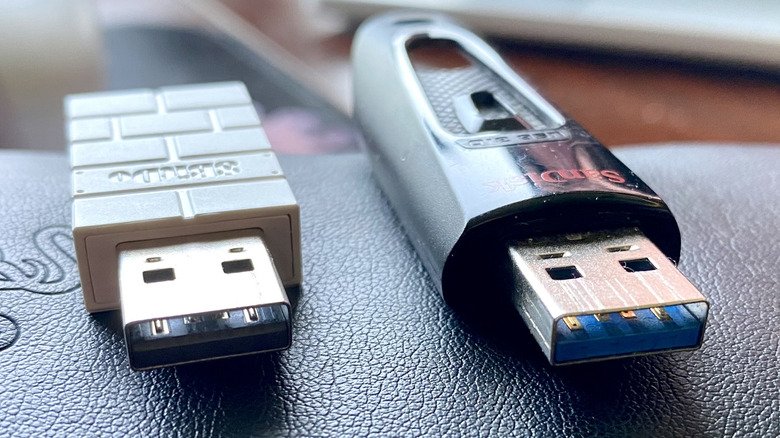
System builders and hardware manufacturers rely on standardized color coding to help users distinguish between the two generations on computer motherboards and peripheral plugs. USB 2.0 sockets feature black or white plastic blocks inside the connector housing. USB 3.0 interfaces traditionally utilize blue plastic blocks, though some hardware makers occasionally deploy blue-green or purple inserts to signify higher-tier USB 3.x specifications.
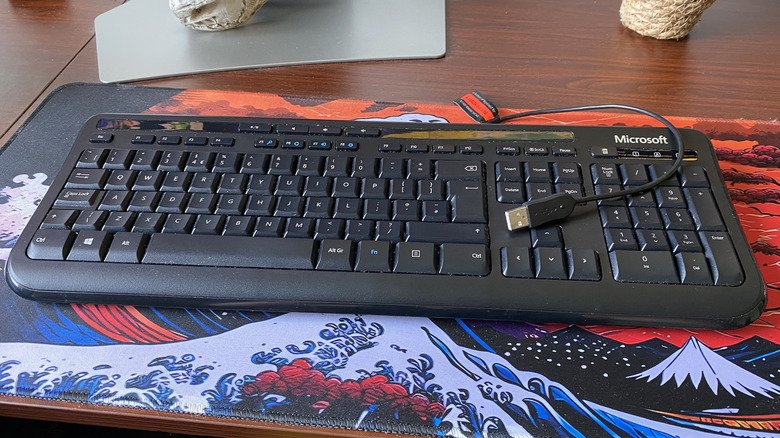
Despite the dominance of high-speed standards, USB 2.0 remains widespread across consumer electronics due to production economics and device requirements. USB 2.0 microcontrollers are significantly cheaper to manufacture than their high-speed counterparts. Input peripherals such as keyboards, computer mice, printers, Bluetooth receivers, and wireless gamepad adapters operate well within the 480 Mbps envelope and gain no performance advantage from USB 3.0 bandwidth.
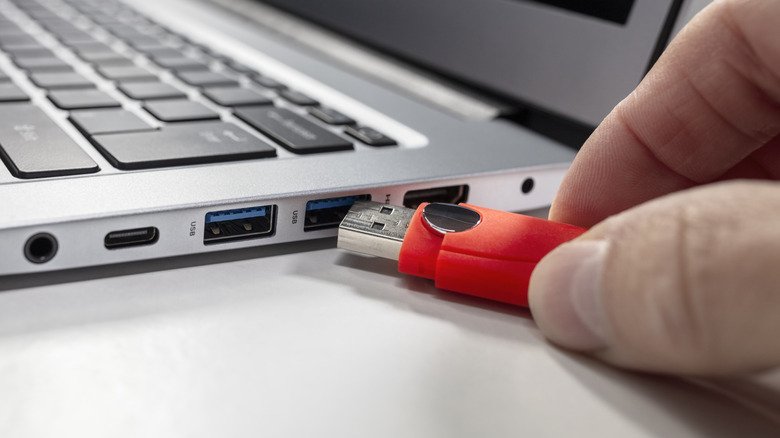
While backward compatibility ensures cross-generational function, connecting high-demand peripherals to legacy ports creates hardware bottlenecks. Low-bandwidth devices plugged into USB 3.0 slots function without issue, though doing so consumes high-speed ports better reserved for external solid-state drives or 4K webcams. Conversely, plugging a high-speed USB 3.0 storage drive into a USB 2.0 port caps data transmission at 480 Mbps, forcing high-performance solid-state media to operate at legacy hard drive transfer rates.