Comfy Desktop Takes Generative AI Out of the Cloud
Local AI workflows gain easier setup, safer environments, and broader model support
Professional studios and independent developers are increasingly moving generative AI workflows back to local hardware. Early iterations of generative artificial intelligence relied heavily on proprietary, cloud-based APIs, but the shift to local deployment is being driven by granular control, data privacy, and immunity from subscription-based API limits.
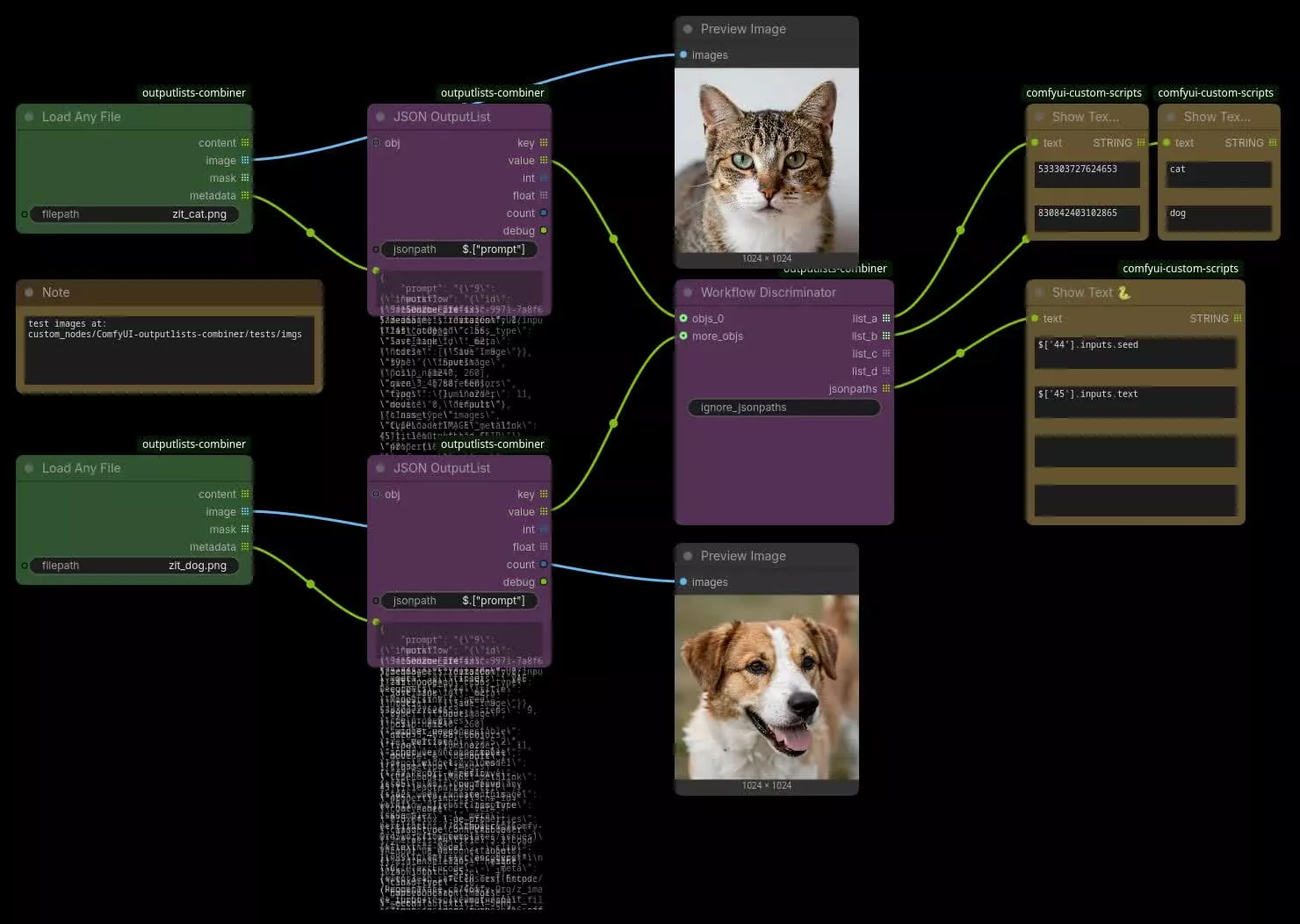
ComfyUI became popular as a lightweight, highly efficient alternative to rigid prompt-and-click web interfaces like Automatic1111. It represents an entire generative pipeline as a network of interconnected nodes, including model loaders, prompt encoders, latent samplers, and image decoders.
That visual programming model mirrors the design of elite VFX and 3D software such as Foundry’s Nuke, SideFX’s Houdini, and Blender’s shader editors. Artists can expose the inner mechanics of the diffusion process, chain together multiple models, build precise image-to-image steps, and add custom conditioning layers.


Yet advanced open-source AI models have traditionally brought a steep technical barrier. Installing ComfyUI could require terminal commands, system-level Git, Python virtual environments, and the manual alignment of deep learning frameworks like PyTorch with a computer’s specific GPU hardware configurations.
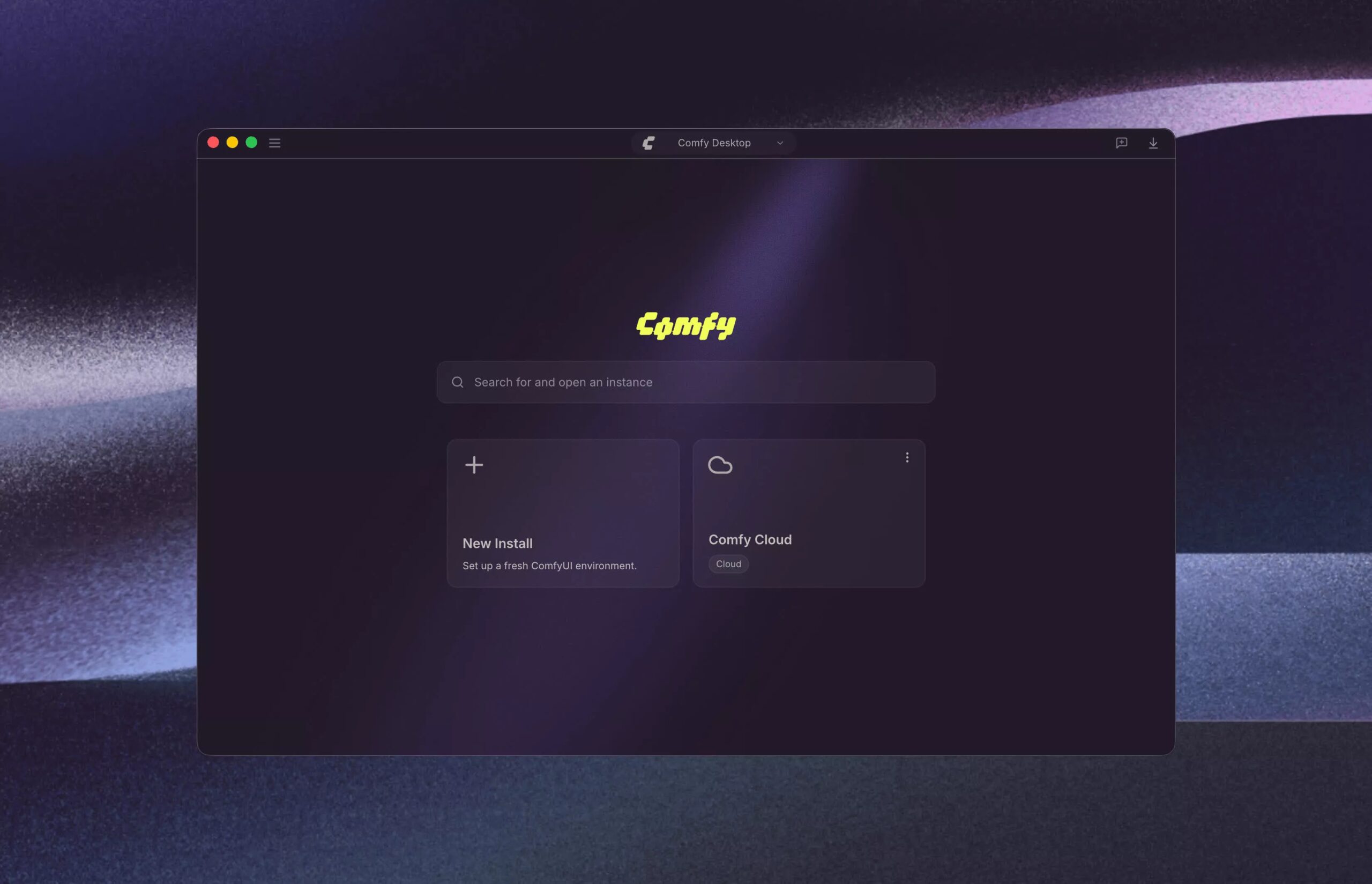
Comfy Desktop addresses that friction by wrapping ComfyUI, the dominant node-based engine for generative AI, in a self-contained desktop application. It acts as an isolated environment manager and abstracts the underlying command-line infrastructure.
During initial setup, the application automates the installation of Python, PyTorch, and GPU-accelerated wheels such as NVIDIA CUDA libraries. The bundled minimal Python interpreter and a pygit2 bootstrap also allow the application to clone repositories and install custom nodes without requiring a global Git installation on the host operating system.
Side-by-side isolated environments are another feature of the desktop wrapper. Each ComfyUI instance receives its own relocatable Python environment and specific package versions, allowing developers and artists to run multiple independent configurations simultaneously. A stable production environment can operate alongside an experimental testing environment without cross-contamination or conflict.
This setup addresses the “dependency hell” associated with conflicting Python packages, incompatible CUDA drivers, and fragile command-line configurations. It also addresses what local AI users have called “CUDA Roulette.” For teams whose system-level security restrictions block standard software installations, the desktop application avoids dependence on a global Git installation.
Local deployment has grown alongside the open-source AI research space. When a research institution or company releases a new open-weights model, the open-source community often integrates it into the ComfyUI ecosystem within days, outpacing the integration cycles of commercial cloud services.
The ecosystem includes more than 5,000 community-built extensions and over 60,000 unique custom nodes. Among the available tools are Stable Diffusion, Stable Diffusion XL (SDXL), and Black Forest Labs’ Flux, as well as Alibaba’s Wan, including Wan 2.1, and Lightricks’ LTX.
Qwen language-vision models are also supported, alongside partner-supported models like Nano Banana and Grok.
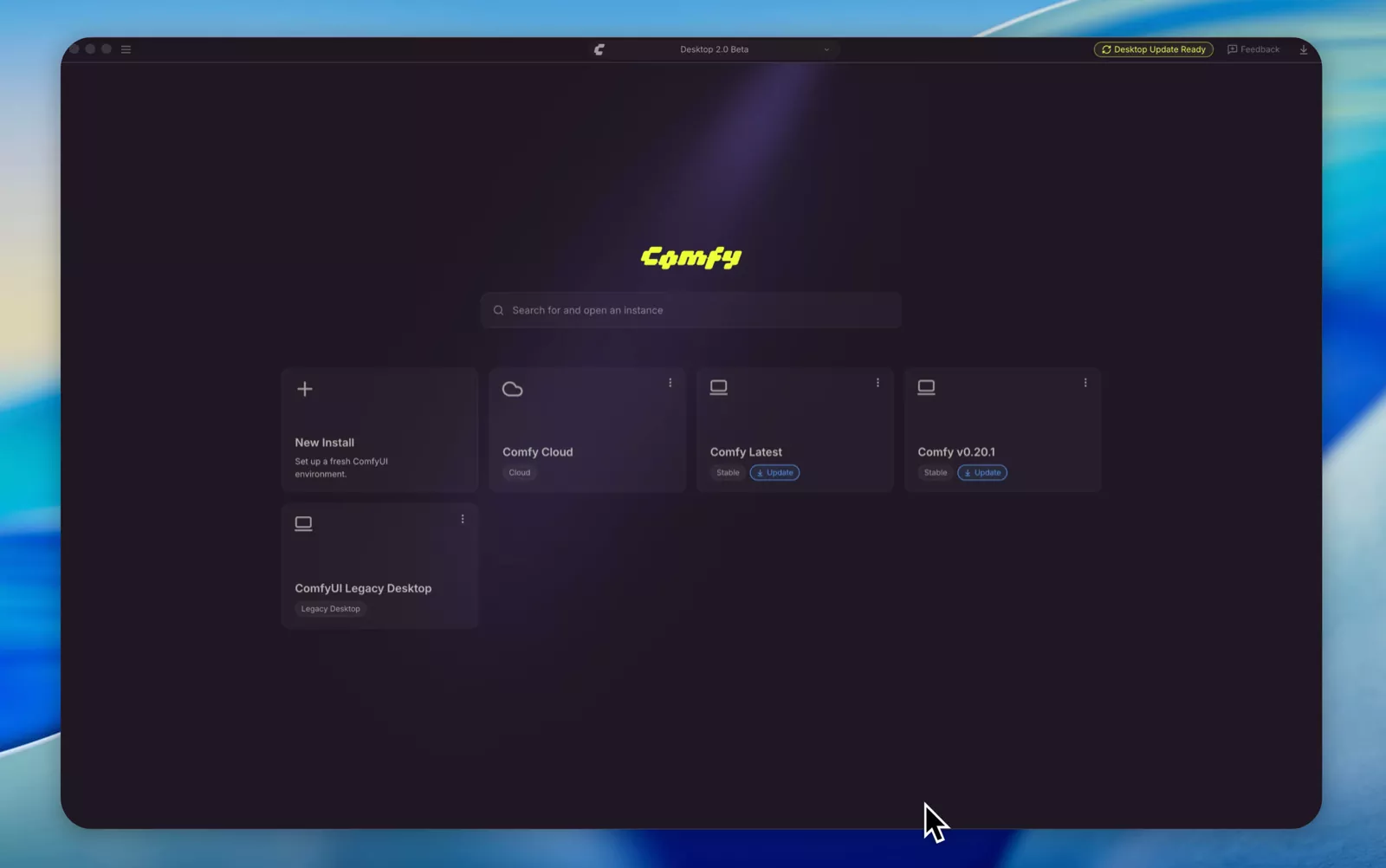
Because custom nodes are built by disparate global contributors, regular software updates can introduce breaking changes. Comfy Desktop provides snapshot and rollback tools so users can capture a complete backup of their working ComfyUI state before updating nodes or core files.
If an update introduces errors, the previous operational state can be restored instantly, minimizing production downtime. The same local installation can therefore hold separate configurations while preserving a recoverable working state.
Data sovereignty remains important for enterprise studios in the VFX, gaming, and design sectors. Many commercial clients operate under strict non-disclosure agreements (NDAs) that prohibit uploading intellectual property or conceptual artwork to external cloud APIs.
Once the initial environment and selected models have been downloaded, Comfy Desktop requires no active internet connection. Studios can operate within completely sandboxed, air-gapped local networks, keeping proprietary assets, prompt data, and generated images on local storage.
The open-ended architecture can also connect node networks to existing pipeline tools through the ComfyUI API. Developers can integrate them directly with Adobe Photoshop, Blender, Autodesk tools, and Foundry’s Nuke.
Comfy Desktop is available free of charge, with no pro-tier paywalls or gated core features. The application supports Windows, macOS, and Linux systems.