The Router Port Mistake That Can Cut Multi-Gigabit Internet to 1 Gbps
Why the Right Router Port and Cable Matter for Multi-Gigabit Speeds
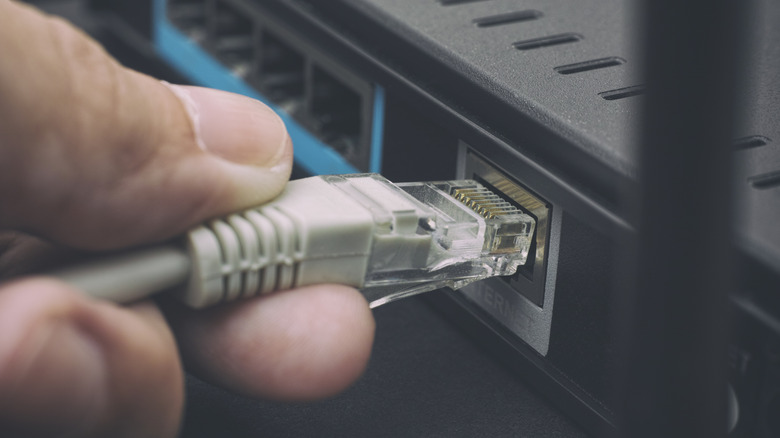
Residential internet plans above the traditional 1-gigabit-per-second (Gbps) threshold are no longer limited to niche corporate solutions. As major internet service providers (ISPs) across the United States expand their fiber-optic and cable offerings, companies such as AT&T, Google Fiber, and Comcast now market symmetrical tiers ranging from 2 Gbps to 8 Gbps. Yet the rear panel of a wireless router can determine whether a household receives the throughput it pays for, because its RJ-45 Ethernet ports may have different speeds and entirely different roles.
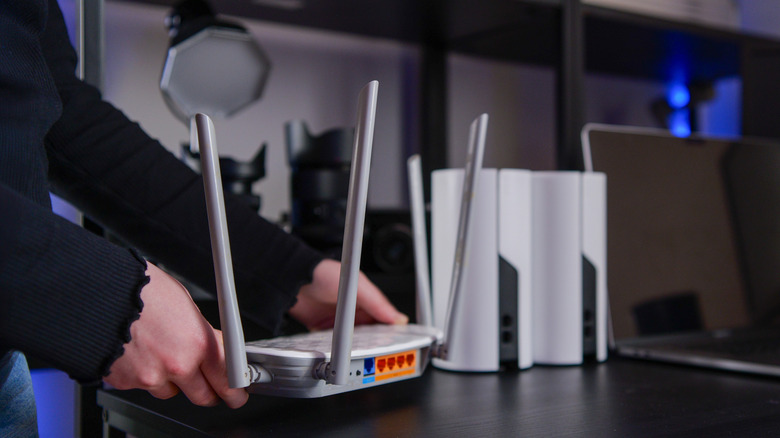
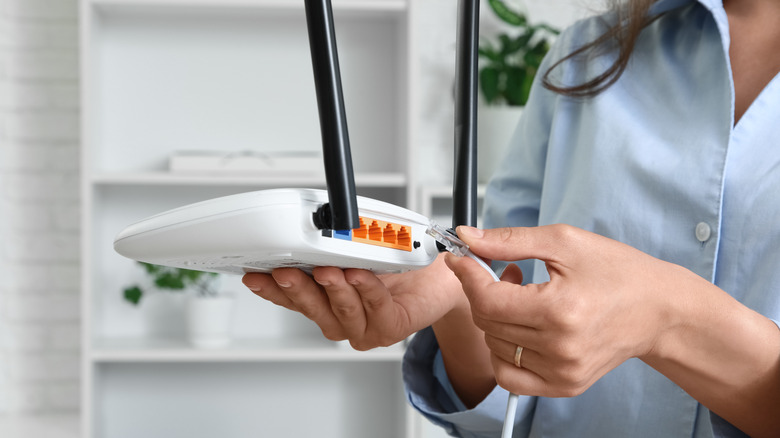
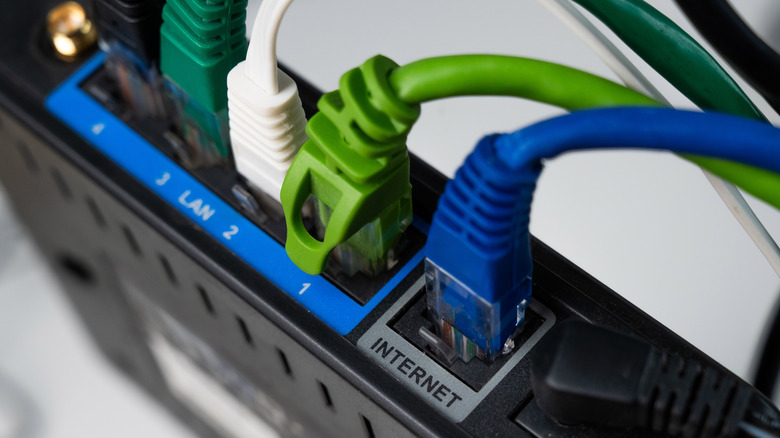
The first distinction is between the Wide Area Network (WAN) port and the Local Area Network (LAN) ports. A WAN port connects to the broader internet through an external modem or an Optical Network Terminal (ONT), which translates physical fiber-optic light signals into electrical data. In an integrated modem-router combo unit supplied directly by an ISP, that WAN connection is internal, so only LAN ports are exposed. With a standalone router, plugging the incoming connection into the wrong port can prevent internet access entirely.


The old arrangement of identical ports across the back of home networking equipment has given way to more flexible designs. Some routers use auto-sensing Ethernet ports that detect whether a cable carries an internet signal or connects to a local client device. Others provide dual-purpose ports labeled WAN/LAN, allowing an incoming high-speed connection to be configured as needed.
A shortage of physical LAN ports does not require installing a second router. External Ethernet switches can expand the network by plugging into an existing LAN port and supplying additional wired access points throughout the home. Their role is similar to that of an HDMI switch, except they extend wired network connectivity.
Port placement also does not reveal port speed. Internal controllers determine transmission rates, so a port labeled “Port 1” is not inherently faster than “Port 4.” Manufacturers often combine standards on one device to balance production costs. The Netgear Orbi 870, for example, uses both standard Gigabit and faster multi-gigabit connections, while the TP-Link Archer BE900 has four 2.5 Gbps LAN ports and two 10 Gbps ports configurable for WAN or LAN requirements.
The Institute of Electrical and Electronics Engineers (IEEE) defines these transmission speeds through physical layer standards. For more than two decades, IEEE 802.3ab, also called 1000BASE-T or Gigabit Ethernet, served as the universal consumer standard. In 2016, the IEEE ratified 802.3bz to bridge standard 1 Gbps connections and 10 Gbps (10GBASE-T) enterprise setups, introducing 2.5GBASE-T at 2.5 Gbps and 5GBASE-T at 5 Gbps.
A fast router port cannot make a slower device faster. Under the IEEE 802.3u protocol, copper Ethernet interfaces use physical-layer auto-negotiation: connected devices exchange their speed and duplex capabilities, then select the highest speed supported by both ends. Thus, a computer with a standard 1 Gbps Network Interface Card (NIC) connected to a 10 Gbps router port still operates at 1 Gbps. A specialized workstation with a 10 Gbps NIC connected to a standard 1 Gbps router port is likewise restricted to 1 Gbps, making that router port a severe bottleneck.
The cable between the devices can impose another limit. Ethernet categories specify frequency limits, maximum bandwidth, and shielding capabilities. Category 5e (Cat5e) is rated to 100 MHz and is designed for 1 Gbps over distances up to 100 meters; under the 802.3bz standard, it can occasionally carry 2.5 Gbps over shorter, interference-free runs.
Category 6 (Cat6) is rated to 250 MHz and reliably supports 5 Gbps up to 100 meters. It can also handle full 10 Gbps speeds over reduced distances, typically between 37 and 55 meters depending on local electromagnetic crosstalk. Category 6A (Cat6A) doubles the frequency rate to 500 MHz and uses advanced shielding to eliminate alien crosstalk, guaranteeing reliable 10 Gbps transmission across the full 100-meter standard maximum length.
Multi-gigabit LAN connections can remain valuable even when a household’s external internet service is modest. Local Area Network (LAN) traffic does not pass through the ISP’s network or count against external bandwidth limits. A desktop workstation and a Network-Attached Storage (NAS) system connected to matching 2.5 Gbps or 10 Gbps LAN ports can transfer massive files, perform system backups, and stream high-bitrate media locally at the maximum speeds supported by their internal hardware, independently of the external broadband subscription plan.