How to Safely Sanitize Refurbished Electronics Without Damaging Them
The safest cleaning methods for used electronics
Refurbished and pre-owned devices now span smartphones, laptops, vintage audio equipment, and wearable fitness trackers as the secondary consumer electronics market expands. Buying used hardware lowers costs and diverts electronic waste from landfills, but devices may arrive with biological contamination, particulate buildup, and grime accumulated from previous owners.
Research conducted at the University of Arizona found that handheld personal electronics such as smartphones can harbor up to 10 times more bacteria than most household toilet seats. Through continuous daily contact, pathogens including Staphylococcus, Streptococcus, and E. coli can transfer to touchscreens, buttons, and chassis.
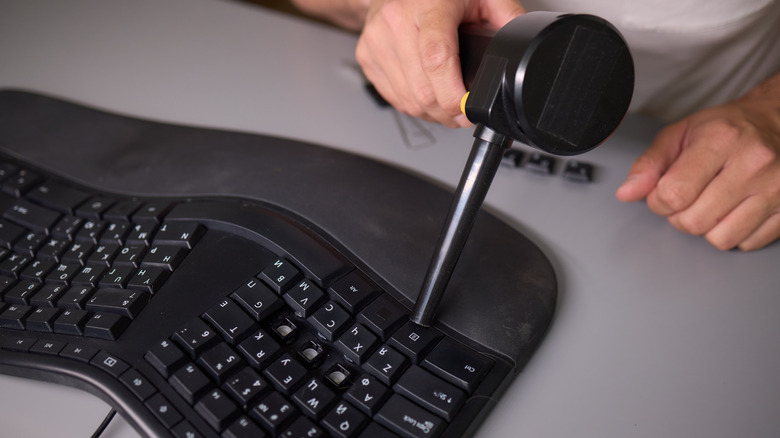


Devices with moving components, cooling systems, or acoustic grilles may also conceal compacted dust, hair, organic debris, and insect residue. If left unaddressed, this buildup can impair hardware functionality. Cleaning must therefore balance thorough sanitation with the vulnerability of delicate internal circuitry and surface treatments.
Before handling any equipment, fully power it down and disconnect charging cables, peripheral connections, and other external power sources. Removable batteries should also be extracted where applicable. Apple, Samsung, and Google have updated their hardware maintenance guidelines to specify safe cleaning practices, standardizing recommendations across the industry.
Household disinfectants and glass cleaners are often unsuitable because they may contain ammonia, bleach, hydrogen peroxide, chlorine, and abrasive solvents. These agents can strip the oleophobic, or oil-repellent, and anti-reflective fluoropolymer coatings used on smartphone screens, tablet displays, camera lenses, and laptop monitors. The resulting chemical damage can cause permanent clouding, reduced touch sensitivity, and greater susceptibility to permanent fingerprint smudges.
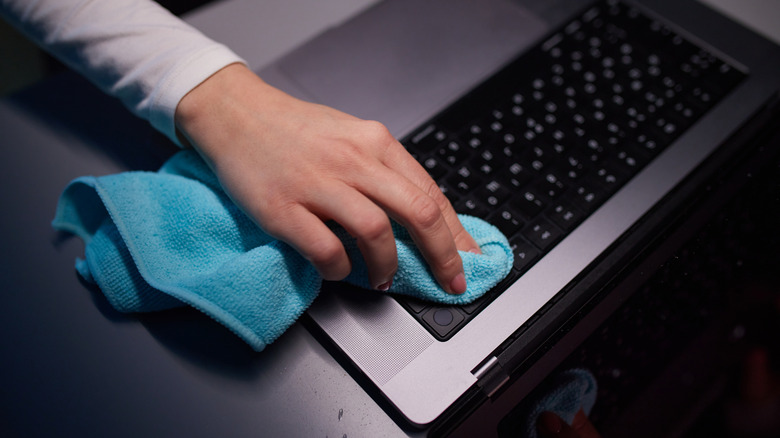
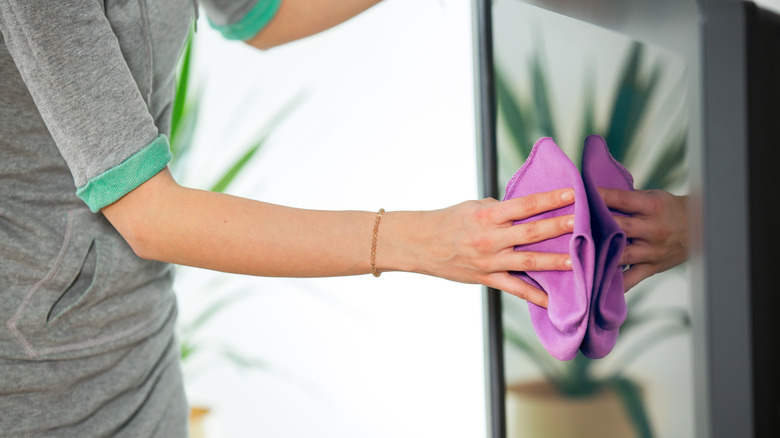
For external surfaces, the standard approach is a dry, lint-free microfiber cloth. Its split synthetic fibers mechanically capture microscopic dirt and lipid particles without scratching delicate display glass or plastic housings. Stubborn surface oils can be treated by lightly moistening the cloth with distilled water, a specialized tech-formulated screen cleaner such as Whoosh! or Tech2Clean, or a solution of 70% isopropyl alcohol.
Liquid should never be sprayed directly onto an enclosure. It must be applied sparingly to the cloth first, limiting the risk of fluid entering acoustic ports, button seams, or power jacks. Protective cases, external power adapters, and USB cables should also receive full wipedowns before they are integrated into household use.
Mechanical keyboards, laptop scissor switches, exhaust ports, and interface jacks require dry extraction. Inverting a keyboard or laptop chassis and gently tapping the frame can dislodge loose particles. Short, controlled bursts of canned compressed air, held upright, can then clear dust from cooling vents and beneath keycaps.
Vintage record players and turntable styluses need a lighter touch. Dedicated anti-static carbon fiber brushes and soft-bristled detailing tools are designed to remove dust from tone-arm assemblies and sensitive needle cantilevers without excessive lateral force.
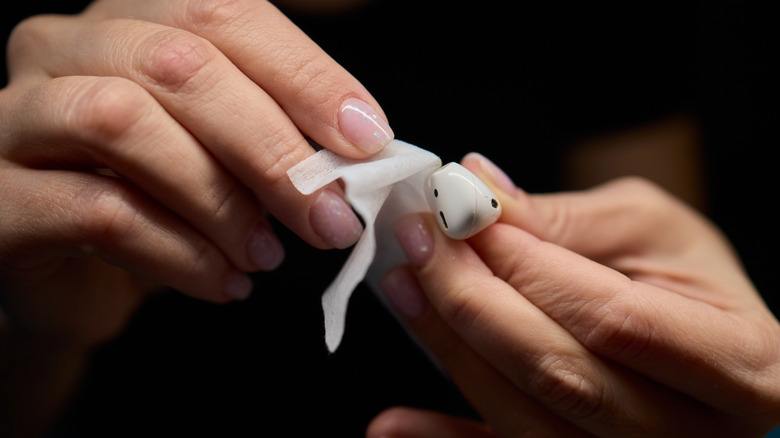
Wireless earbuds bring a separate hygiene concern because they remain in prolonged direct contact with skin and bodily fluids. Cerumen, or earwax, can collect inside acoustic mesh filters, dampening sound output and harboring bacterial colonies. Soft cotton swabs lightly dampened with 70% isopropyl alcohol should be used with light pressure, while silicone or rubber ear tips should be removed and washed independently.
Every treated earbud component must air-dry fully before being placed back into a charging case to prevent electrical shorts. For additional non-liquid sanitization, UV-C enclosures from manufacturers such as PhoneSoap and HoMedics can expose compact electronics—including smartphones, key fobs, wireless earbuds, and credit cards—to 254 nm short-wavelength ultraviolet light.
UV-C breaks down microbial DNA and RNA without generating heat or using liquid chemicals that could compromise ingress seals.
Smartwatches and fitness trackers accumulate sweat salts, dead skin cells, and cosmetic residues on their undersides. This buildup can degrade the optical clarity of photoplethysmography (PPG) sensors used for heart-rate and blood-oxygen monitoring. Watch chassis can be wiped with alcohol-moistened swabs, but fabric wristbands should be removed and washed in gentle laundry cycles.
Because porous materials degrade over extended use, replacing secondhand fabric or leather straps with new third-party alternatives is widely recommended.
Regular maintenance should continue after the initial refurbishment process:
- Smartphones and Handheld Devices: Daily surface wipe-downs with dry microfiber; weekly deep disinfection of seams, speaker grilles, and protective cases.
- Computer Monitors and Television Displays: Dry microfiber dusting and specialized optical cleaning every two to four weeks.
- Wireless Earbuds and In-Ear Monitors: Acoustic vent and silicone tip cleaning at least once per month.
- Laptops and Desktop Peripherals: Comprehensive keyboard clearing, fan vent blowout, and chassis sanitation every three to six months to prevent thermal throttling and switch failure.