FaceTime Finally Opens Its Walled Garden to Android and Windows
How Apple’s FaceTime web bridge connects non-Apple users
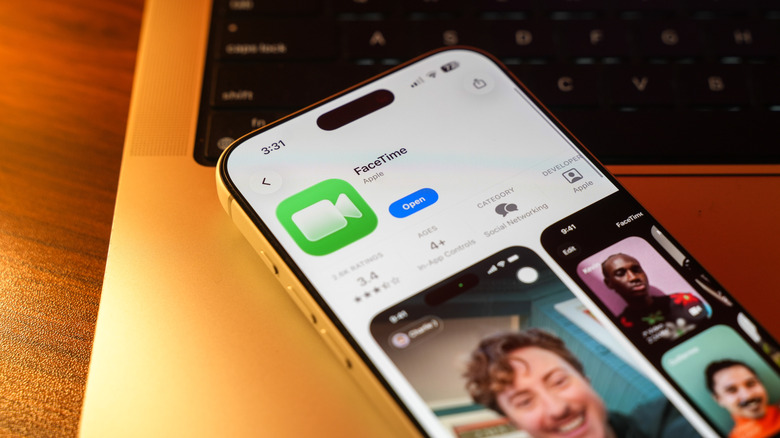
FaceTime remained restricted to iPhones, iPads, and Mac computers for more than a decade, serving as a core pillar of Apple’s proprietary “walled garden” ecosystem. That changed with iOS 15 and macOS Monterey, which introduced a web-browser-based interface allowing Android and Windows users to join FaceTime calls without owning Apple hardware.
Apple announced the change at its Worldwide Developers Conference (WWDC) in June 2021, during a period of unprecedented demand for video-conferencing tools caused by remote work and social distancing during the COVID-19 pandemic. Zoom, Microsoft Teams, and Google Meet had surged in popularity, leaving Apple’s hardware-locked software at a competitive disadvantage.
Apple uses Web Real-Time Communication (WebRTC) to connect users without distributing dedicated Android or Windows software. The open-source standard allows browsers to handle real-time audio and video streams without third-party plugins. Calls remain end-to-end encrypted between Apple devices and web clients, and Android or Windows participants do not need to register for or sign into an Apple Account.


The web bridge was designed to keep Apple users engaged within the native application without requiring their friends and family to purchase iOS or macOS hardware. The move preceded Apple’s late 2024 integration of Rich Communication Services (RCS) in iOS 18, which improved text messaging with Android users.
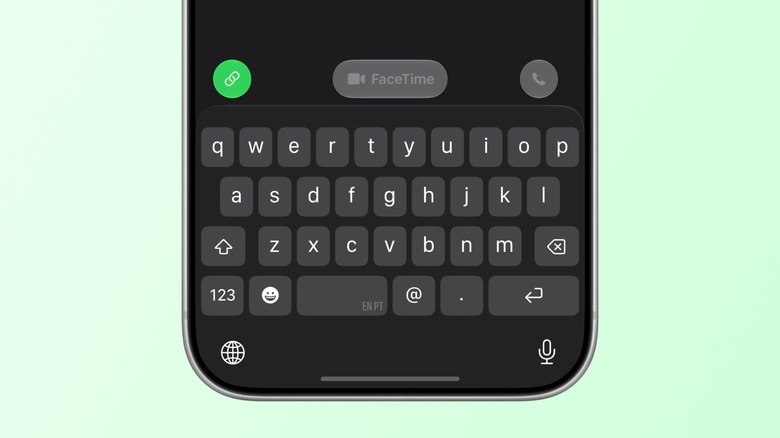
A mixed-platform call must still begin on an Apple device. Non-Apple users cannot start a FaceTime call or generate a meeting link themselves. An Apple host using iOS 15, macOS Monterey, or later opens FaceTime and selects “Create Link.” The resulting unique URL can be copied and shared through SMS, email, WhatsApp, or Slack.
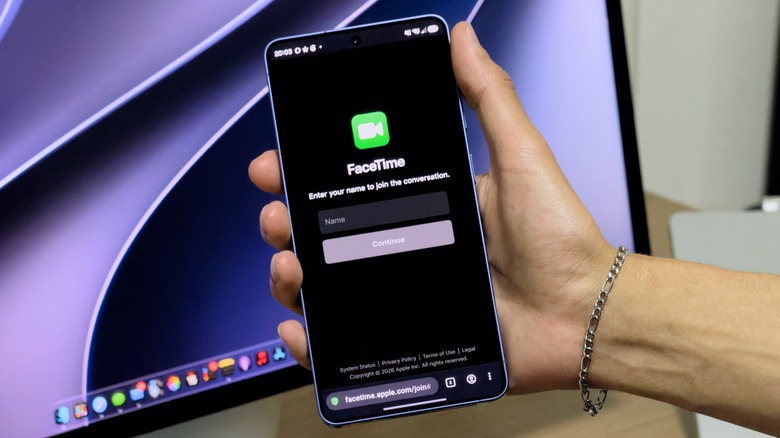
The Apple host remains the call administrator and must stay active to manage the session because each web-based participant requires manual approval before entering the call. After receiving the link, a non-Apple user can open the meeting on any internet-connected device. Apple officially recommends the latest versions of Google Chrome or Microsoft Edge for stability and compatibility.
The browser asks the participant to enter a display name and requests access to the device’s camera and microphone. After those permissions are granted and the user selects “Join,” the participant enters a virtual lobby. They remain there until the Apple host approves the request and admits them to the active call.
Once admitted, web participants can turn video on or off, mute the microphone, switch between front- and rear-facing cameras on mobile devices, and use either a grid layout or full-screen mode. The web version does not provide complete feature parity with the native Apple application, however.
Non-Apple participants cannot use SharePlay to watch movies, listen to music, or play games together in real time. Screen-sharing capabilities are also restricted for web-based users. Spatial audio, native portrait mode background blur, live filters, Memoji, and Animoji are unsupported on the web client.
The requirement for an Apple device to initiate the session remains in place. Communities and professional teams that need fully symmetrical tools, where any participant can start, manage, and share content equally, continue to use standard cross-platform applications such as Zoom, WhatsApp, and Google Meet. For mixed-platform families and social circles, FaceTime offers an alternative to downloading and configuring new apps.