

Apple’s next major mobile operating system release will require substantial storage, system preparation, and pre-deployment steps across consumer devices. The update includes a comprehensive redesign of the Siri virtual assistant as Apple, the Cupertino, California-based technology giant, competes with generative artificial intelligence platforms such as OpenAI’s ChatGPT and Google’s Gemini.
Before the upgrade, devices must install iOS 26.6. That point release added a targeted background indexing update designed to format local system databases for data migration to the upgraded Siri architecture.
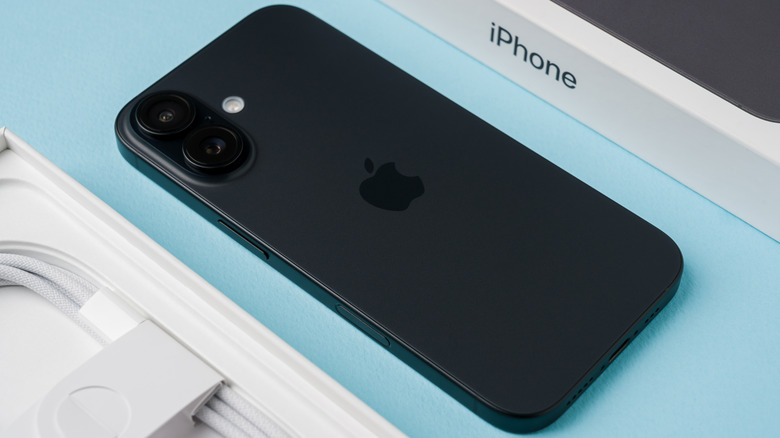


Apple routinely uses late-stage point updates within an operating system generation to prepare local device storage structures for major annual platform rollouts. Those releases are traditionally unveiled at the company’s annual Worldwide Developers Conference (WWDC) before public distribution.
The installation itself needs a temporary storage buffer in addition to the primary installer payload. Devices should maintain approximately 18 to 25 gigabytes of available flash storage capacity, and lower-capacity hardware may require non-traditional file cleanup methods, cache clearing, or the offloading of unneeded media and applications.
Major operating system updates rewrite underlying core frameworks. Power stability is also required: although Apple sets a minimum battery threshold of 50 percent to initiate system flashing, engineering protocols call for hardware to remain continuously connected to an AC power source while core operating system files are modified.
Downloads must take place over an active Wi-Fi connection to support high-bandwidth data transfers without interruption. Users can also create cloud-based snapshots through Settings > Apple Account > iCloud > iCloud Backup by selecting “Back Up Now.”
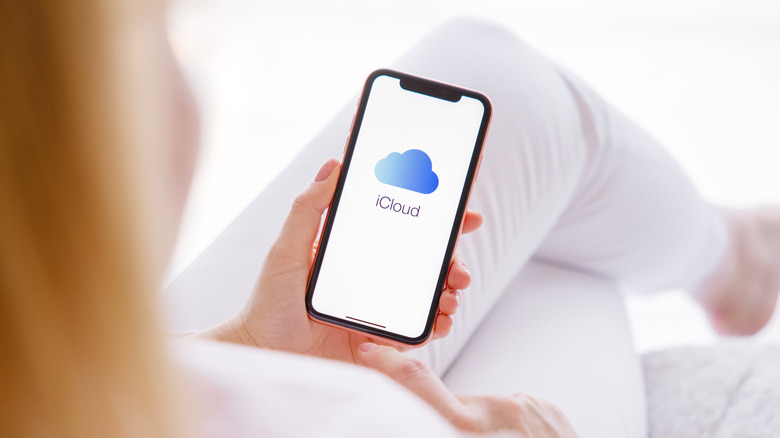
Full system disk images can instead be archived locally by connecting the hardware to a Mac running macOS Finder or to a Windows PC equipped with management software. Users are advised to verify their primary Apple ID authentication credentials before upgrading to address possible post-installation activation locks or security key prompts.
Software delivery uses two distribution channels. With Automated Rollout, users enable Settings > General > Software Update > Automatic Updates. Apple then distributes the update through content delivery networks (CDNs) in staggered waves, with devices downloading and executing the installation overnight while connected to Wi-Fi and power. Depending on server queue distribution, that process can occur days or weeks after the public release date.
Direct Manual Triggering is available by opening Settings > General > Software Update and remaining on the interface to force an immediate query, payload download, and system flash upon release.
The impending platform release also adds a refreshed user interface intended to improve visual readability. Its other changes include structural performance optimizations across the underlying kernel, newly integrated child safety controls, and widespread functional refinements across Apple’s suite of native system applications.