Before samples arrive, a clothing collection needs images that help people judge the designs. You might be checking a back print, pitching a streetwear concept or preparing a portfolio. A few well-chosen free apparel mockups can support all three tasks.
Start with garment accuracy, artwork placement and usable export dimensions. Styling matters once those basics work.
What Makes Free Apparel Mockups Worth Using?
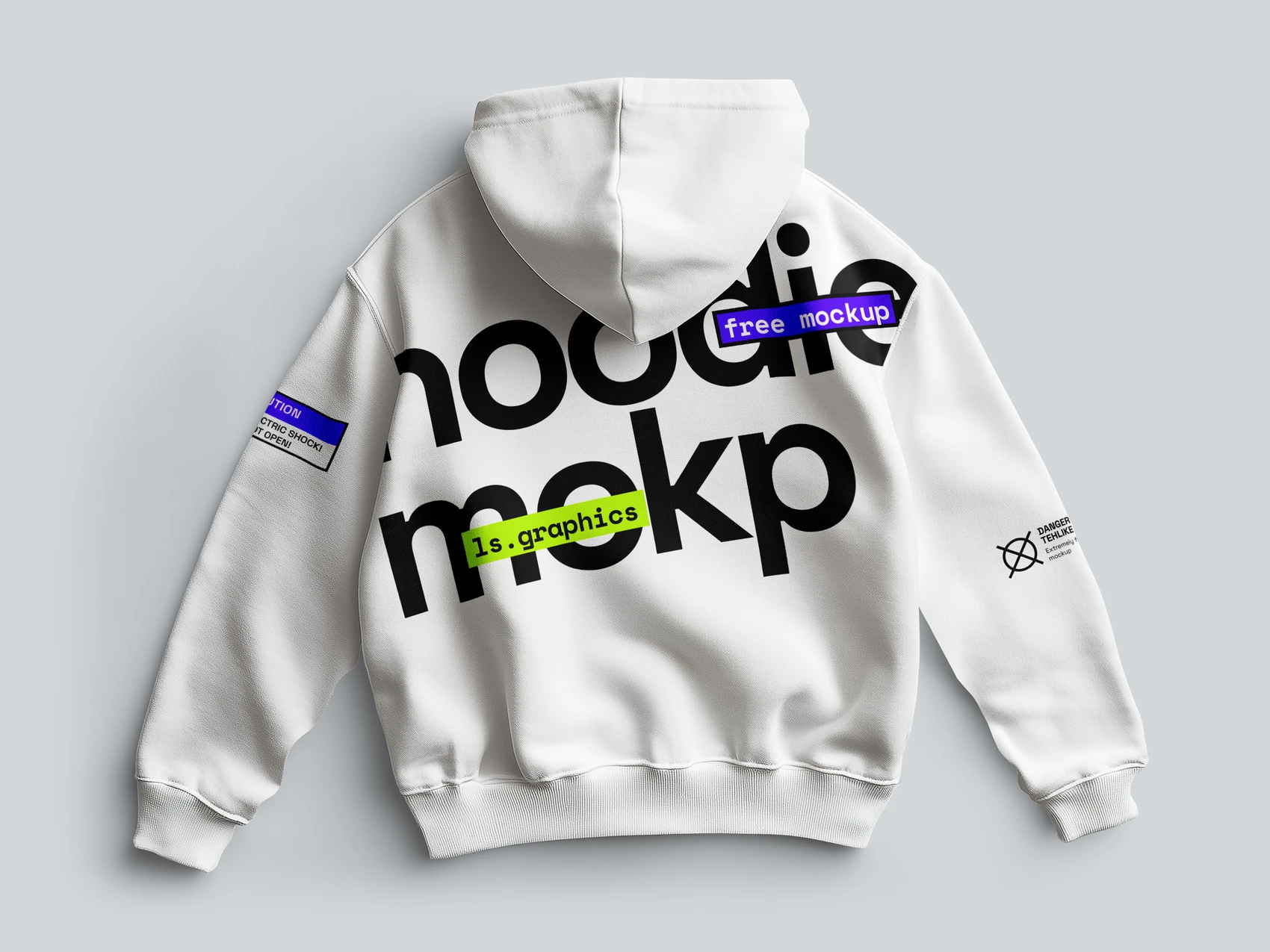


A polished preview tells you little about how a template handles your design. Insert your artwork and check whether folds, lighting, garment edges and shadows still look convincing.
Try changing the fabric color. Texture and shading should remain visible. For PSDs, look for clearly named layers, Smart Objects and separate lighting controls.
Test both a small chest logo and a large back graphic. Watch for artwork crossing seams, vanishing into folds or appearing to float above the fabric. Inspect the output at full size; a sharp thumbnail can hide limited detail.
Keep templates that represent the garment well and need little cleanup.
What Are the Best Websites for Free Apparel Mockup PSD Files With Smart Objects?
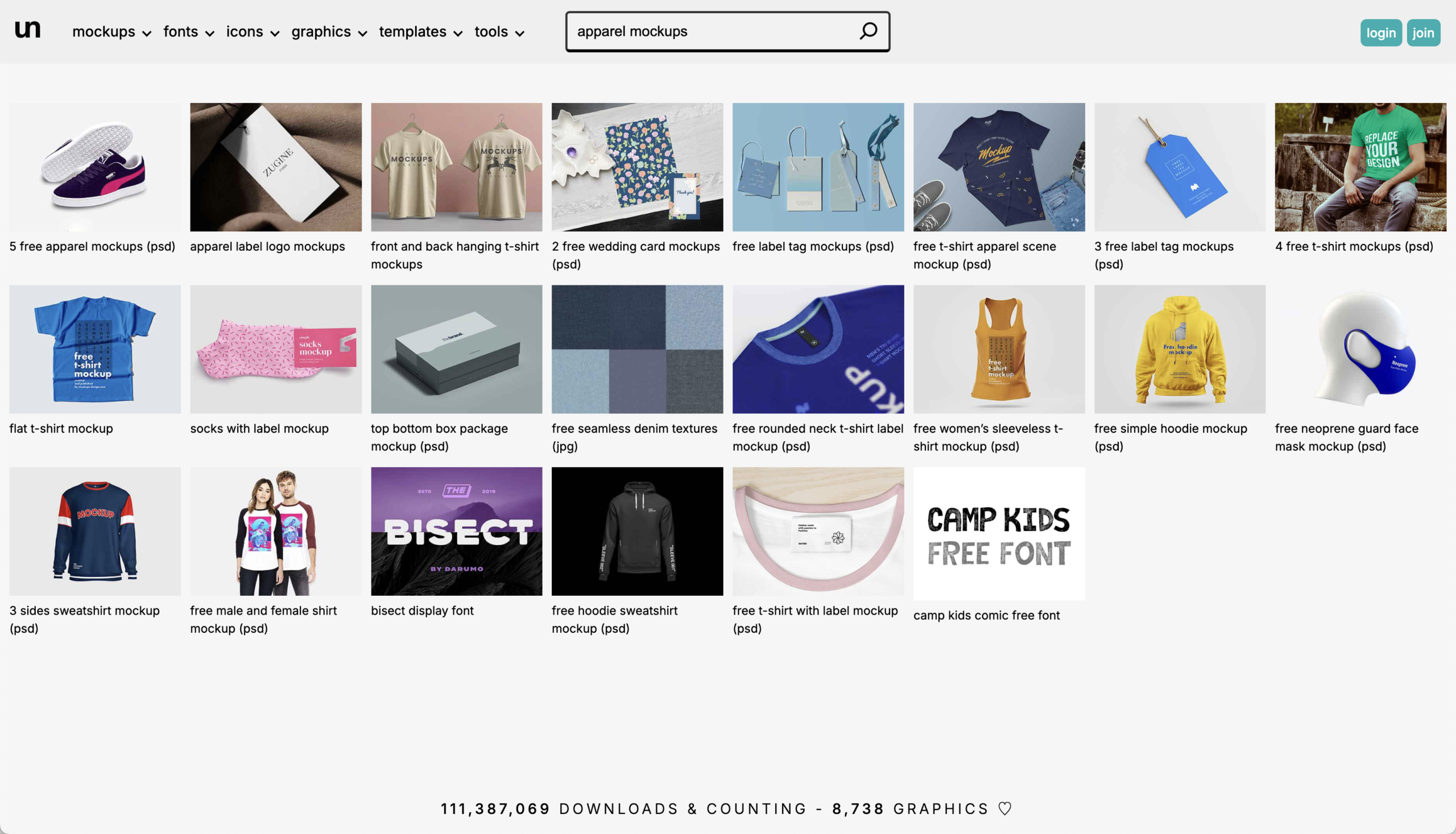
These resources offer different ways to find apparel templates:
- Unblast: Clothing PSDs, including Smart Object templates for T-shirts and other garments.
- Mockup World: A fashion and apparel category covering T-shirts, hoodies, jerseys and clothing tags, including layered PSDs.
- Designpiq: A directory of design resources with free and paid mockups. Check the destination and terms of each listing.
- Free-Mockup: Apparel, T-shirt and hoodie categories for browsing by garment type.
- Mckups: Apparel resources that include front-and-back sweatshirt and jersey PSDs.
LS Graphics provides online editing and downloadable resources. Start with its free apparel mockup collection, then check whether the selected asset supports browser editing or includes PSD, Figma or Sketch files.
Look for organized layers and controls that let you replace artwork, adjust garment colors and refine the scene. Some resources provide 6000 × 4500 px files; confirm the dimensions and formats of the specific download.
For front and back prints, find matching views before editing. Check the license, Smart Objects and color controls as well as the preview.
How Can I Create Professional Apparel Mockups Without Photoshop?
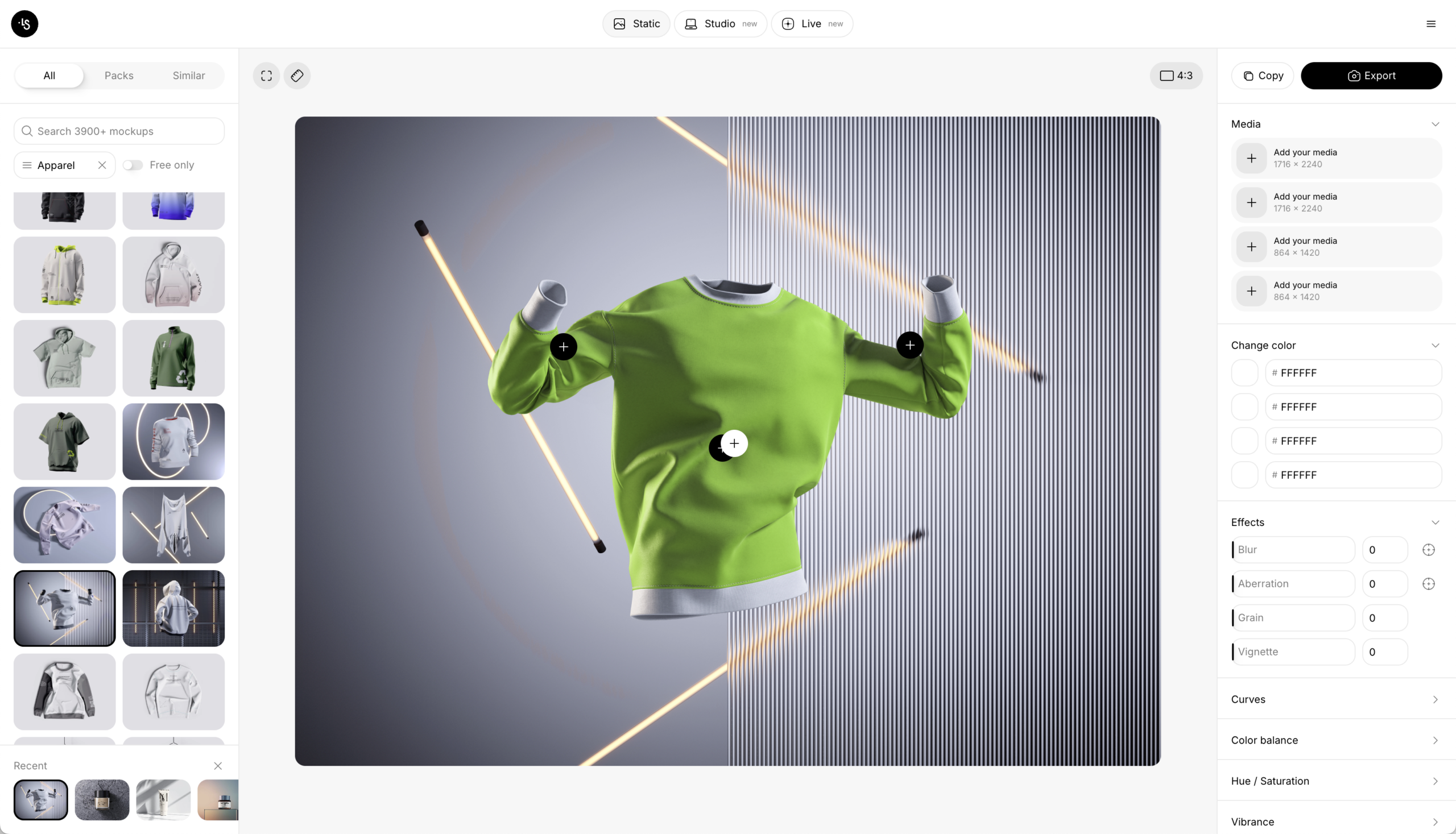
You can work entirely in a browser, either by placing artwork into a prepared scene or by opening a layered PSD in a compatible editor.
The free mockup generator by ls.graphics offers three modes:
- Static Mockups: Prepared photorealistic apparel, branding and device scenes. Insert a design, customize the available settings and export an image.
- Live Mockups: Animated device scenes with controls for devices, viewing angles, lighting and ready-made movement.
- 3D Studio: Device scenes and presets with keyframe controls for camera and device animation.
For clothing presentations, start with the apparel scenes in Static Mockups. The editor includes mockup search, image and video placement, cropping, scaling, and color, background and effect adjustments. Export options include PNG, PSD, SVG and MP4/WebM, depending on the mode, scene and plan. Check which scenes and exports are free.
For existing PSD templates, consider Photopea, which supports layered PSDs and Smart Object editing. Creatsy’s online mockup editor, powered by Photopea, also provides guidance for replacing artwork and exporting previews.
Make a test export before preparing the full set. Check dimensions, watermark conditions and whether the design follows the fabric properly. Use a generator for quick variations or a compatible PSD editor when you need direct access to layers and masks.
How Do I Choose Apparel Mockups That Match My Garment’s Fit, Fabric, and Proportions?

Compare the mockup with your supplier’s blank or garment reference.
- Fit and shoulders: Match oversized, regular or fitted shapes, including dropped shoulders.
- Sleeves and body: Compare sleeve width, body length and chest-to-hem proportions.
- Fabric: Look for the structure of heavyweight cotton or the softer drape of lightweight jersey.
- Construction: Check collars, cuffs, pockets and hoods, particularly near printed areas.
- Print scale: Use intended garment and artwork measurements where available.
- Matching views: Keep the blank, color and lighting consistent across front and back images.
A graphic can appear much larger on a slim-fit shirt than on an oversized blank. Match the garment first, then refine placement so feedback relates to the product you intend to make.
Include Labels and Brand Details
Add a clothing label, hang tag or packaging detail when it helps explain the identity. Keep the styling compatible with the garment scenes and show details large enough to assess.
Are Premium Apparel Mockups Worth Paying for Compared With Free Templates?
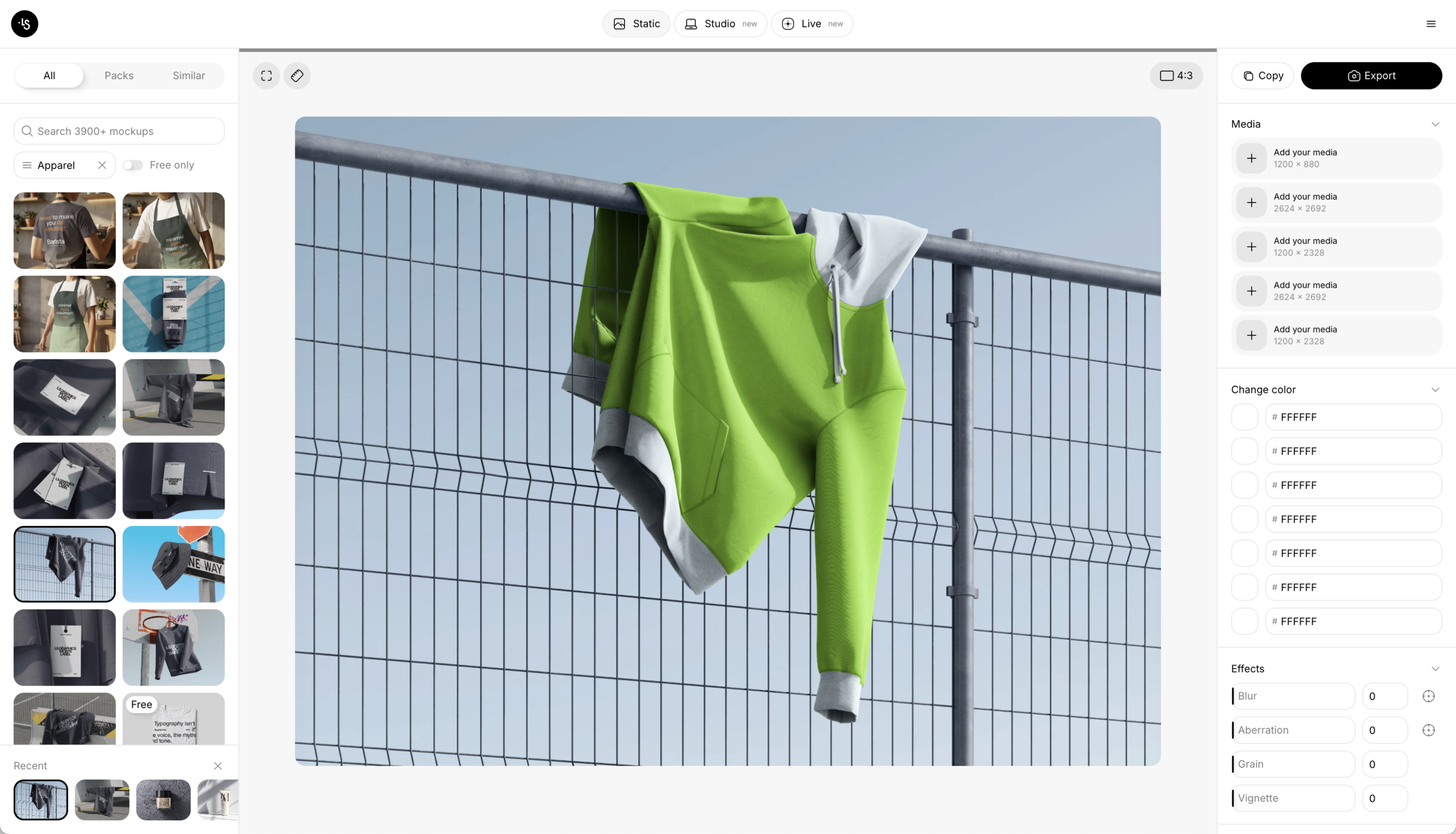
Free templates can cover concept development, portfolio experiments, color tests and early client reviews. Finding suitable files takes time, though. You may discover only one usable angle or a blank that does not match the collection.
A premium set is worth considering when it fills a specific gap: matching front and back views, coordinated garments or more useful editing controls.
Inspect the files and license before buying. A paid label does not establish quality, and a large bundle offers little value if only one scene fits the brief. Buy for a requirement you can identify.
Build a Small, Coherent Apparel Presentation
Choose images for the destination and the decisions viewers need to make.
- Marketplaces: Provide clear garment views, readable artwork and useful detail shots. Check the platform’s image requirements.
- Social media: Use a strong opening composition and crops that keep the graphic readable on a small screen.
- Print-on-demand stores: Match the supplier’s blank, colorways and printable areas. Confirm the result with a sample.
- Pitch decks: Explain the collection through a hero image, coordinated garments and a relevant branding detail.
- Client reviews: Keep angles and backgrounds consistent for easier comparison.
- Portfolios: Pair an engaging opening image with close-ups that explain the design.
Three or four coordinated images are a practical starting point. Keep garment proportions and print scale consistent, then adapt the crops to each use.
Conclusion
The best free apparel mockup resources match the garment and make the design easy to assess. Check fabric detail, resolution, editing controls and view consistency before building a presentation around a template.
Start with one file and test your actual artwork. Use a PSD for detailed adjustments or a browser tool for quick variations. If the collection needs views you cannot match reliably, consider a focused premium set or photographs of the finished samples. Let the missing deliverable guide the expense.