

Modern laptop manufacturers are increasingly building devices with soldered, non-upgradeable internal storage and RAM, prompting consumers to use external storage to expand their digital footprints. The decision is complicated by volatile semiconductor pricing and the divide between legacy mechanical storage and modern solid-state hardware.
Although the industry expected solid-state drives (SSDs) to completely replace traditional hard disk drives (HDDs), fluctuating production cycles in the global flash memory market have preserved a distinct dual-market reality. Major NAND flash manufacturers, including Samsung Electronics, SK Hynix, and Micron Technology, responded to oversupply challenges with strategic production cuts intended to stabilize and raise chip prices. Those supply adjustments have affected retail pricing, keeping high-capacity SSDs beyond the reach of budget-conscious buyers and maintaining the relevance of mechanical hard drives.
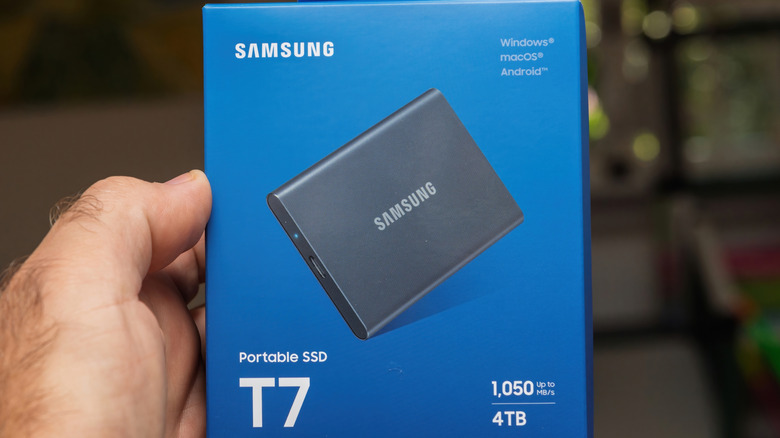


SSDs store data on NAND flash memory chips, allowing near-instantaneous access to any section of the drive. Their lack of moving parts gives them substantial physical durability against the routine vibrations, drops, and bumps associated with travel, making them reliable for remote work and mobile use cases. Their simpler internal architecture also enables compact, lightweight designs that fit into pockets or small compartments.
A high-performance external SSD such as the 1TB Samsung T9 retails for approximately $232 on platforms like Amazon. For buyers who need 4TB or more, external SSD prices can quickly become prohibitive for broad consumer archiving. Yet the same drives are designed to match or exceed high-speed internal storage when users transfer large files or work directly from the drive in applications such as 4K video editing, photo cataloging, and database management.
External SSDs operate electronically rather than mechanically, so they are completely silent and draw significantly less power from host laptops, preserving battery life during mobile operations. An external SSD can sustain transfer speeds from 500 MB/s to well over 1,000 MB/s, a performance level suited to active file work rather than only long-term storage.
By comparison, external HDDs use physical mechanical platters that spin at typically 5,400 or 7,200 RPM while a read/write head hovers microscopic distances above the magnetic surface. This legacy mechanical approach lets manufacturers produce high-capacity storage at a fraction of the cost of flash memory. A Seagate 2TB portable external hard drive, for example, costs approximately $130, providing twice the capacity of a comparable mid-range SSD for a much smaller financial investment.
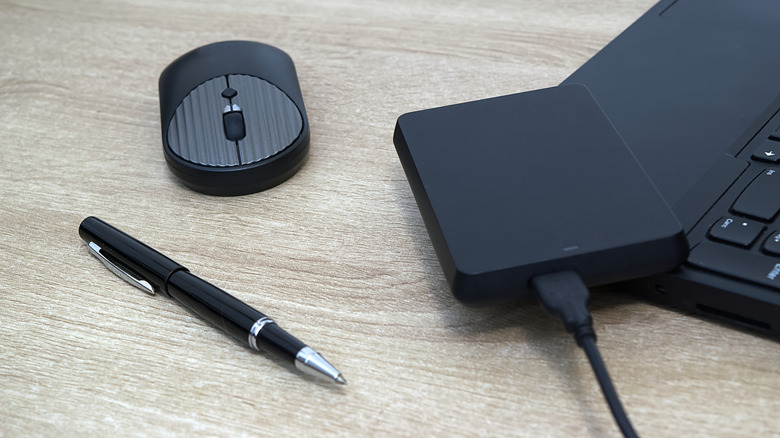
The lower price brings performance and durability compromises. A standard external HDD typically reaches around 100 MB/s, compared with the 500 MB/s to well over 1,000 MB/s transfer speeds of an external SSD. HDD speeds are sufficient for basic data storage, document backups, and media playback, but they create severe bottlenecks during high-bitrate video editing or large-scale file transfers.
Rotating platters and actuator arms also make HDDs vulnerable to physical shocks. They can produce noise during intensive read/write operations, and dropping a running HDD or exposing it to extreme environmental temperatures can permanently damage the platters and cause catastrophic data loss. Their internal motors also require more power to spin up, placing greater strain on laptop batteries.
For a desktop workstation where a drive remains permanently connected as an automated system backup, an HDD is often the more logical choice. Backup processes generally run in the background and do not require immediate manual access, allowing the slower speeds to be offset by the ability to secure larger volumes of data for less money.
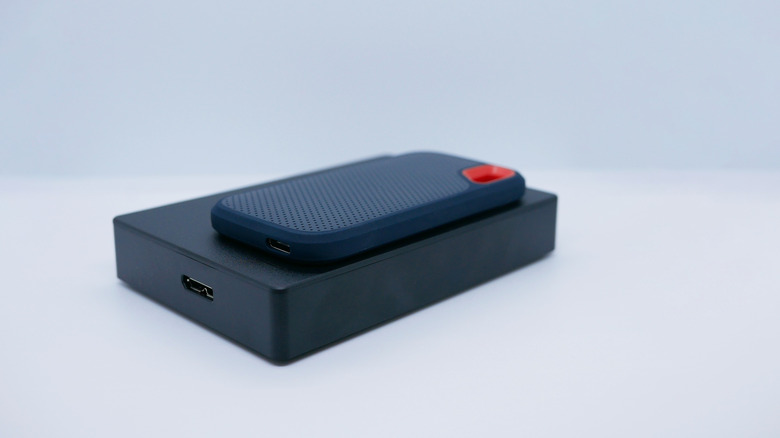
For active on-the-go professionals, students, and creative workers who regularly move files between workstations, an SSD’s speed and physical resilience are generally worth the additional cost. It functions as an active extension of a computer’s internal drive rather than merely a passive repository.
Compatibility also depends on the interface used by both the drive and the host machine. Modern external drives connect through USB, but the USB protocol limits performance. A high-speed external SSD plugged into an older USB 2.0 port, which has a theoretical maximum bandwidth of 480 Mbps, or roughly 60 MB/s, will be completely bottlenecked. Modern SSD speeds require ports supporting USB 3.2 Gen 2 at 10 Gbps, USB 3.2 Gen 2×2 at 20 Gbps, or newer USB4 and Thunderbolt standards.
File-system formatting affects cross-platform use as well. Drives formatted in exFAT provide broad native compatibility across Windows, macOS, Android, and modern gaming consoles. NTFS is native to Windows but read-only on macOS without specialized software, while Apple’s APFS format is optimized specifically for macOS environments.
External storage also has uses in home entertainment and gaming. The PlayStation 5 and Xbox Series X/S use ultra-fast custom internal PCIe NVMe SSDs that are required to play current-generation games, but external USB drives can store inactive game files. This lets players avoid repeatedly deleting and redownloading large software packages. An external drive can also connect to a local network router through USB for a basic Network-Attached Storage (NAS) configuration, or plug directly into a smartphone for quick media offloading.
Cost-conscious, tech-savvy consumers can assemble an external drive themselves. An internal 2.5-inch or 3.5-inch SATA or M.2 NVMe drive can be installed in a compatible external USB enclosure, including models manufactured by Sabrent. This allows existing desktop or laptop drives to be repurposed and external storage configurations to be customized, provided the drive’s physical dimensions and connector types match the enclosure’s specifications.




One Comment