Why USB Extenders Fail When Speed and Power Matter
Speed, distance, and power determine the right USB extension method
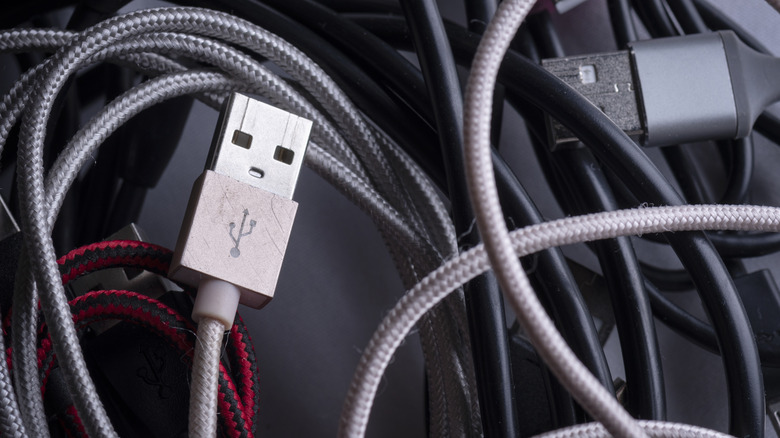
USB extenders cover a wide range of technologies, from basic passive copper wires to active repeaters and Ethernet-based transceivers. Choosing the wrong type can cause degraded bandwidth, frequent hardware disconnects, or electrical hazards because modern USB protocols must negotiate both power and data.
The bandwidth requirements of the connected peripheral determine which extender is suitable. Keyboards and mice use minimal data rates and generally operate reliably over almost any extension. High-bandwidth devices, including 4K webcams, virtual reality headsets, solid-state drives (SSDs), and USB-C docking stations, may fail, disconnect, or fall back to legacy USB 2.0 speeds when an extender cannot preserve the required high-frequency signals.
Signal attenuation is central to the problem. High-frequency electrical signals lose strength as they move through copper conductors, and the loss increases exponentially with frequency and distance. The legacy USB 2.0 standard, introduced in 2000, has a maximum signaling rate of 480 Mbps and can tolerate passive runs of up to 16 feet (5 meters).


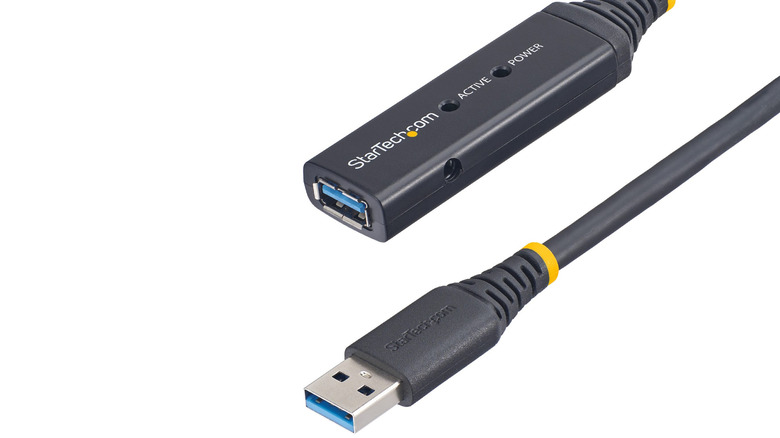
USB 3.2 Gen 1 operates at 5 Gbps, while Gen 2 reaches 10 Gbps. Both require tighter control over impedance and shielding, limiting reliable passive copper cable runs to roughly 10 feet (3 meters) and 3 feet (1 meter), respectively. USB4 can reach speeds of up to 40 Gbps or 80 Gbps and requires even shorter physical links to preserve signal integrity without active boosting.
Active extenders address those limits with integrated circuits inside the cable connectors. These circuits regenerate and clean up incoming electrical signals. StarTech, for example, produces a 33-foot active USB 3.2 Gen 1 cable that maintains 5 Gbps speeds; two units can be linked to create a 66-foot connection.
Power transmission creates a separate engineering problem. Under the USB Power Delivery (USB PD) 3.1 specification, compatible devices can negotiate up to 240 watts, equal to 48 volts at 5 amperes, through Extended Power Range (EPR) technology. The process depends on an electronic “handshake” between the power source, cable, and receiving device, carried over a dedicated line called the Configuration Channel (CC) pin inside the USB-C connector.
The USB Implementers Forum (USB-IF), which maintains USB standards, applies strict compliance rules intended to prevent electrical hazards. Compliant USB-C-to-USB-C cables must contain internal e-marker chips that tell connected devices whether the cable supports 60W or 240W and what data capabilities it has.
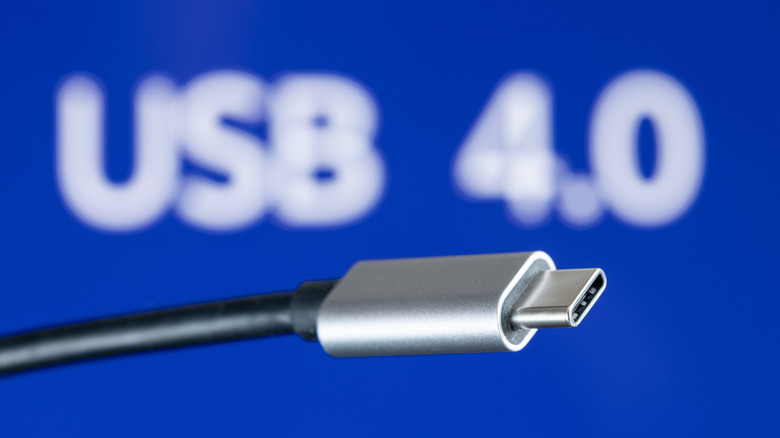
Passive male-to-female USB-C extension cables are notably absent from the USB-IF’s list of certified compliant configurations. Adding an uncertified passive extension can disrupt propagation delay, increase loop resistance, and weaken the CC pin signal. The connected devices may then fail to detect cable orientation accurately or manage power delivery contracts, potentially causing voltage drops, overheating, or physical damage to the host controller.
Manufacturers therefore often prioritize either speed or power rather than both across long distances. Anker sells a 10-foot USB-C cable rated for 240W charging, but its internal data wires are limited to USB 2.0 speeds of 480 Mbps. Shielding and routing high-frequency data lines over that distance while carrying high current is economically and physically challenging.
For industrial or commercial installations, standard copper USB cables can be replaced with specialized hardware. Icron’s Raven 3104 uses proprietary signaling protocols to packetize USB data and send it through CAT 6a or CAT 7 Ethernet cabling. It can extend a full 5 Gbps connection up to 328 feet (100 meters), although its high-speed design caps power output at only 6 watts per port and requires high-power devices to use an external power supply.
When the main need is reaching a distant power outlet for a laptop or mobile device, industry standards suggest extending the high-voltage AC side instead of the low-voltage DC USB-C connection. A properly rated AC extension cord can place the charger closer to the device, avoiding the data bottleneck and signal-degradation risks associated with extending USB-C.