Public USB Charging Ports Pose Malware Risks as Authorities Highlight Hardware Protections
Federal advisories highlight data blockers to prevent unauthorized access via public USB ports
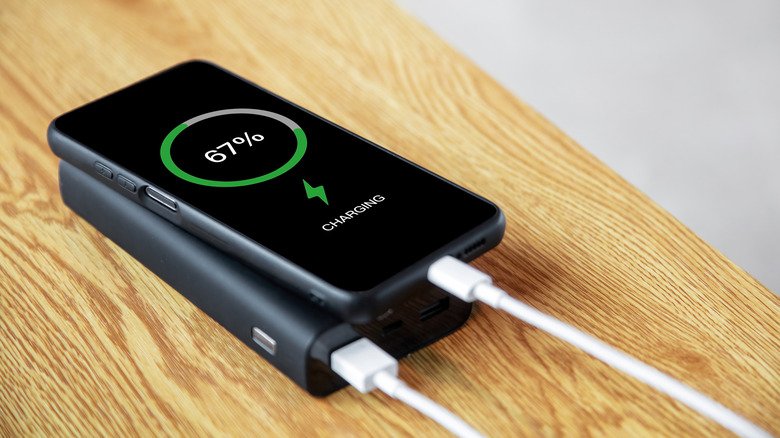
Federal cybersecurity authorities and law enforcement agencies are renewing advisories regarding public USB charging ports, highlighting the persistent threat of physical malware injection when mobile devices are connected to unverified power outlets in transportation hubs and commercial venues.
According to guidance from the Federal Communications Commission (FCC), public USB ports located in airports, hotels, and shopping centers can be physically compromised by bad actors to install keyloggers, surveillance tools, or malicious software onto smartphones. The vulnerability stems from the dual-purpose architecture of standard USB connections, which transmit both electrical power and digital data over identical cable assemblies.
Finally, you could plug your phone into public charging stations with USB ports, like those in airports and cafes. Take note that the FBI previously issued a warning that “bad actors have figured out ways to use public USB ports to introduce malware and monitoring software onto devices.” This “juice jacking” type of cyberattack rarely happens in the real world. But if you want to ensure your safety, you can get “charge-only” USB cables that are incapable of transferring data. They’re also described as “data blockers” in online listings.
Hardware data blockers operate by physically isolating the data transfer channels within a USB connection. Standard USB-A cables utilize four internal wires, where two dedicated pins manage data signaling while the remaining two handle power transmission. Data blockers physically remove or disconnect the signaling lines—pins 2 and 3—ensuring that only the 5-volt power pin and ground connection remain operational, rendering automated data handshake attempts technically impossible.
You should also make it a habit to tap Don’t Trust when you plug your phone into an unfamiliar USB port and it asks you if you want to “trust this device.” Choosing to trust the device you’re plugging into will allow it to access your data.
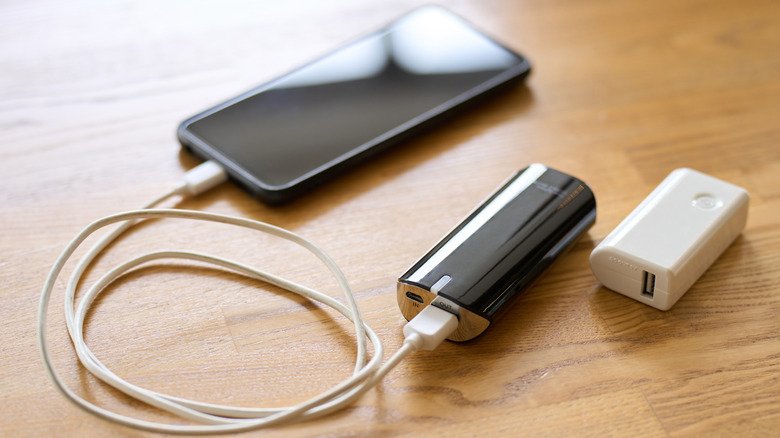
Cybersecurity officials recommend that travelers carry dedicated AC wall plugs or external power banks to avoid connecting directly to public USB infrastructure, noting that hardware isolation remains the primary defense against unauthorized device pairing.