Apple Screen Time Turns iPhone, iPad, and Mac Usage Into a Managed System
Track usage, restrict apps, and manage child devices across Apple hardware
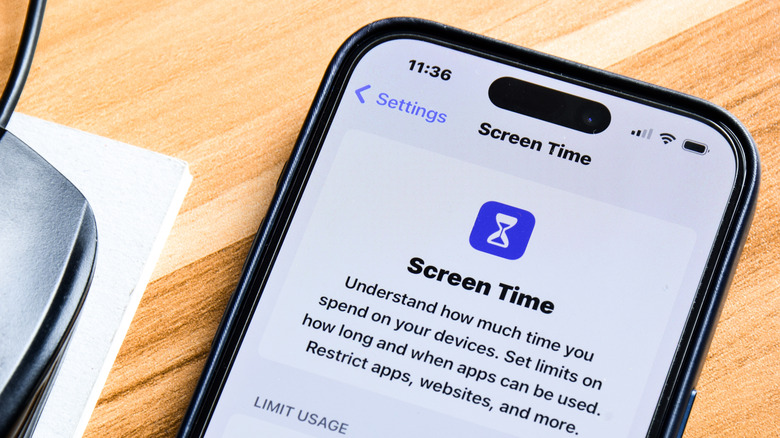
Apple Inc.’s Screen Time software system was first unveiled at the Worldwide Developers Conference (WWDC) in June 2018 alongside iOS 12. It replaced the legacy “Restrictions” panel in iOS and reached Mac hardware with macOS Catalina 10.15 in 2019.
Built into the system settings of Apple devices, Screen Time collects real-time system telemetry. Its reports include daily screen averages, application-specific durations, device pickup counts, notification volumes, and the applications launched immediately after a device is unlocked.
Usage statistics and governance rules can synchronize across iPhones, iPads, and Mac computers registered to the same Apple ID when “Share Across Devices” is enabled. An integrated device menu lets system administrators and users review performance data globally or isolate metrics to specific hardware.


Reports are available in daily or weekly formats, while the dedicated four-digit Screen Time passcode protects the configuration menus. The passcode operates independently from the primary device passcode and prevents users, including child accounts, from extending application limits or changing Downtime schedules without administrative authorization.

Screen Time’s access controls include Downtime and App Limits. Downtime acts as an automated system-wide curfew that restricts software functions while leaving essential features available. The operating system sends a warning five minutes before the scheduled period begins.
An “Always Allowed” whitelist can preserve access to vital applications and emergency contacts during Downtime. Administrators can use it to permit designated phone numbers and specific applications to bypass the downtime protocols entirely.
App Limits apply to individual applications, entire App Store categories such as Social, Games, or Entertainment, and specific web domains visited through web browsers. Operating systems warn users as they approach the assigned time boundaries, then place a full-screen block over an application interface when its limit is exhausted.
On unmanaged adult accounts, those boundaries can be bypassed manually for one minute, 15 minutes, or the remainder of the day. Screen Time also operates across multi-device environments through Apple Account network protocols, allowing the synchronized rules and statistics to be reviewed across the registered hardware.

Through Apple’s Family Sharing network, Screen Time provides a remote parental control framework. Account organizers managing child accounts in a family group can configure administrative settings remotely or directly on a child’s hardware.
The Content & Privacy Restrictions menu allows parents to block new application installations, disable built-in applications such as Apple Wallet, and lock location privacy permissions against unauthorized changes. Communication Limits separately restrict phone calls, FaceTime, and Messages to approved contact lists for younger users.
Those native communication restrictions do not extend to unmanaged third-party platforms such as WhatsApp. Screen Time’s Communication Safety features instead use on-device machine learning to scan incoming and outgoing media attachments for explicit content, with guidance and intervention prompts appearing before the content is displayed.
Apple introduced Screen Distance in iOS 17 and iPadOS 17. Using the TrueDepth camera system, it checks whether a device is held closer than 12 inches (30 centimeters) to a user’s eyes for an extended duration and issues system alerts encouraging safer viewing distances to mitigate eye strain.
Screen Time operates alongside Apple’s Focus framework, introduced in iOS 15. Focus manages notification delivery, alert behavior, and home screen visibility according to the user’s context.