iOS 27.2 Brings Siri AI in Spanish and Key iPhone Upgrades
The latest software update expands Apple Intelligence to five new languages and introduces SynthID watermarking for AI-generated photos.
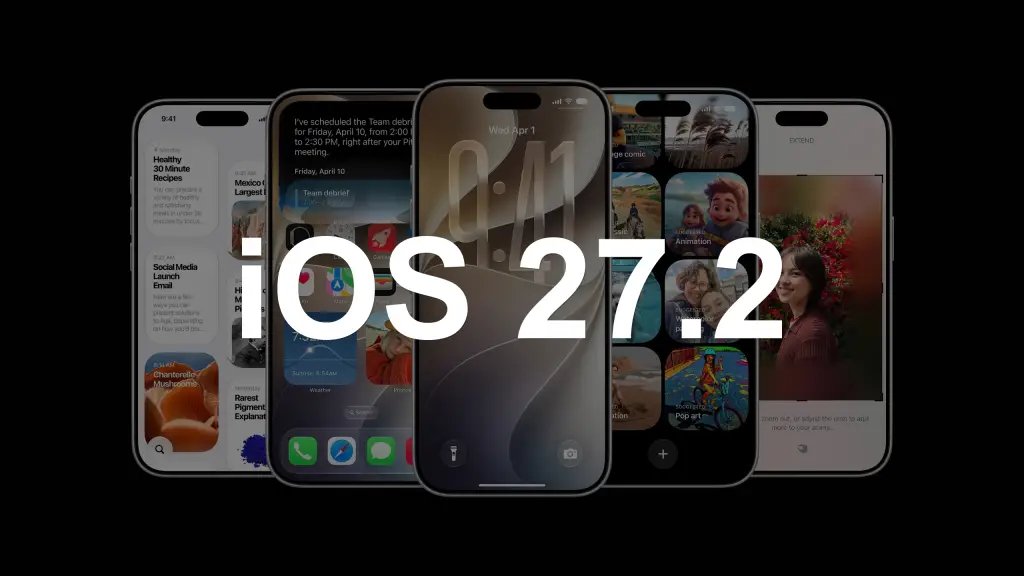
Apple has released the iOS 27.2 update, introducing several notable features for compatible iPhone models. While this software version primarily delivers minor improvements, a few specific additions stand out, most importantly the introduction of support for using Siri AI in Spanish.
The Cupertino-based company had previously promised to expand Siri AI language support, beginning that rollout with iOS 27.2. This expansion is not entirely unexpected, as the feature was already incorporated into the public beta of the software that debuted last September.
Starting today, users who install iOS 27.2 on their iPhones can use Siri AI without being restricted to English. It is worth noting that Spanish is not the only language added to Apple’s artificial intelligence; the update also introduces compatibility with French, Portuguese, Korean, and Japanese.


Apple plans to expand Siri AI to additional languages in the coming months. Beyond the current iOS 27.2 release, the company has revealed that before the end of the year, it will add the ability to interact with the AI in Turkish, Norwegian, Vietnamese, and Chinese.
Other new features arriving with iOS 27.2

Additional functions arriving on iPhones compatible with the iOS 27.2 update include:
Support for using the USB-C Apple Pencil with the iPhone Duo.
Compatibility with SynthID watermarks, the technology developed by Google, for images generated or modified with artificial intelligence through Photos and Image Playground.
A new design and aesthetic improvements in the Apple Music app.
Support for adding a sign language interpreter to a FaceTime call.
An option to use the dual capture function to record images simultaneously with the front and rear cameras of the iPhone during a group FaceTime call.
Apple TV incorporates a tool to generate different profiles directly from the iPhone.
The ability to configure excluded apps so that Siri AI, search, and suggestions cannot access them.
The iOS 27.2 update is currently rolling out to all compatible iPhones and should appear automatically on your device. To manually check if it is available, navigate to Settings > General > Software Update.
Before updating, remember to back up your data and ensure your phone is connected to a charger. It is also important to note that while iOS 27.2 adds support for using Siri AI in Spanish, Apple’s AI is still not available for use on the iPhone within the European Union, where the Digital Markets Act continues to delay certain advanced features.