Amazon Echo yellow light isn’t a warning—here’s what it means
How to read every Amazon Echo light-ring color
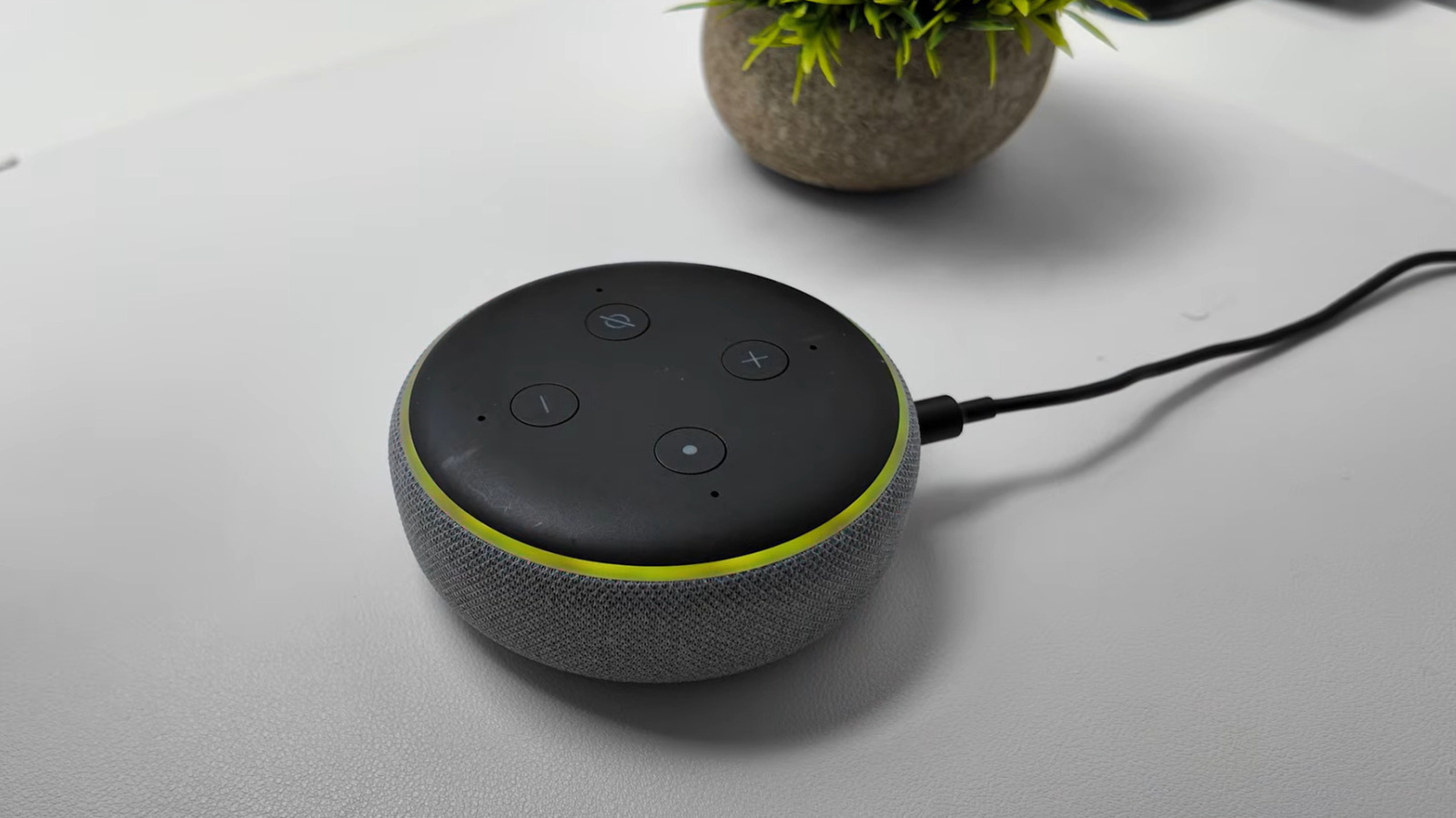
Amazon Echo devices have been broadcasting a yellow light ring since 2017, a signal most owners mistake for a hardware fault or connectivity problem. In reality the pulse, which fires in slow bursts every few seconds, simply means Alexa is holding a message or notification for you. The ring is one of nine colors the device can display.
To read what’s waiting, ask “What notifications do I have?” or “What messages do I have?” Alexa recites the list. You can say “next” or “repeat” to move through them.


The notifications are not limited to personal reminders. The system routes breaking news, calendar items, package-shipping updates from Amazon and price-drop alerts from Alexa for Shopping through the same ring.
Most of what you receive can be turned off or reshaped in the Alexa app. Open the app, tap the More symbol (three horizontal lines), then Settings, then Notifications. Toggles there govern the features, services and apps that may ping you.
Missed reminders are the most common trigger for the yellow pulse. Ask “What are my reminders?” and you can dismiss, snooze or reschedule any item. To stop reminders from ringing your Echo, go to Notifications, choose Reminders on this Device and flip the notification toggle.
Alexa Skills add another channel. The Skills hub covers health and fitness, productivity, smart home controls, sports, education and trivia. For any installed skill, open the Alexa app, go to More > Skills & Games, select Your Skills, then Settings > Manage Account Permissions, turn Notifications on or off and save.
Camera-connected devices contribute to the queue too. When an Alexa-linked camera or doorbell detects a person or a package, it can generate an alert. Manage those under Devices, choose the camera and tap Device Settings, then toggle Person or Package Detection Announcements.
The same light ring carries several other meanings that owners commonly confuse. Cyan indicates Alexa is listening and processing a request, and the ring also shimmers when a software update arrives. Teal-blue means the device is waiting for a command. Two blue shades spinning around the outer ring mean the unit is starting up or has just restarted after an update.
A red ring appears when the microphone is muted by the physical button; pressing the button again restores it. On models with a camera, a red light bar signals that video is not being shared. Bright orange spinning around the edge means the device is either in setup mode or hunting for an internet connection. A pulsing green light marks an incoming call and begins spinning once answered, and the same effect runs active Drop In intercom sessions. A brief purple flash signals Do Not Disturb mode, and during setup it flags Wi-Fi problems. White appears only when you adjust the volume.

Amazon has quietly added Alexa+ to its voice-assistant lineup, a version that bundles higher-end capabilities and charges a subscription fee.