iPhone Camera Control: How to Customize the Button
Adjust gesture sensitivity, swap launch apps, and lock focus using the capacitive button on iPhone 16, 17, and 18 models.
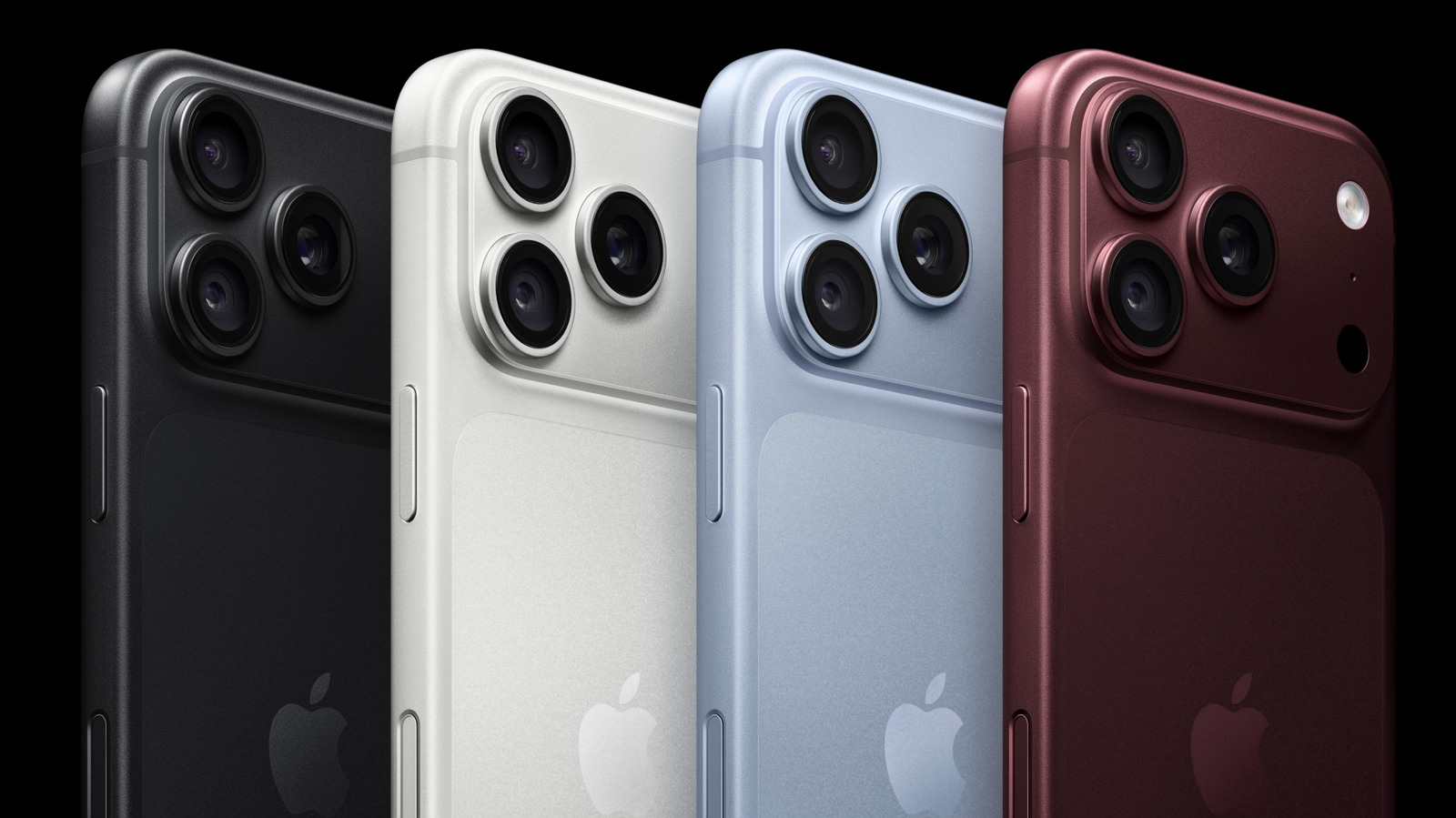
Apple’s capacitive Camera Control button, introduced on the iPhone 16 series and carried forward through the iPhone 17 and iPhone 18 lineups, relies on a sapphire crystal cover layered over a force sensor and a high-precision capacitive touch surface. That hardware combination detects not only clicks but also varying degrees of pressure and finger movement, translating physical gestures into digital camera commands without requiring users to look at the screen.
Out of the box, a single press launches the native Camera app, a second press captures a photo, a long press begins video recording, swiping cycles through parameters like exposure or zoom, and a double-click triggers Visual Intelligence — Apple’s Siri-driven tool for analyzing surroundings through the lens. But those defaults represent only a fraction of what the hardware can execute once reconfigured.
The primary configuration hub lives in Settings > Camera > Camera Control. The most immediate change photographers can make is swapping the launch application. Rather than defaulting to Apple’s stock Camera app, the button can be mapped to open Instagram directly for faster story creation, the built-in Code Scanner for QR code reading, or Magnifier, which leverages the phone’s telephoto optics as a digital loupe. Third-party developers who have adopted Apple’s Camera Control API will also appear here, though apps lacking full integration remain grayed out until updated.


Beyond changing the launch target, the Controls section dictates how the capacitive surface behaves once the camera is active. Users can enable or disable six distinct adjustment layers: Zoom, Exposure, Depth, Cameras, Styles, and Tone. Disabling rarely used parameters prevents accidental shifts during fast-paced shooting. Pressing and holding the three-line reorder icon next to each parameter changes the sequence they appear in when swiping across the button, allowing photographers to place their most frequently adjusted setting first.
Gesture sensitivity introduces another layer of control. Switching the activation requirement from a Single Click to a Double Click effectively eliminates pocket-dials and accidental launches when gripping the device. The Require Screen On toggle adds a secondary safeguard, ensuring the camera cannot activate while the display remains off and locked.
For users shooting in challenging lighting conditions, the Lock Focus and Exposure setting forces the camera to hold its current metering and focal distance as long as a finger maintains contact with the button. This bypasses the need to tap and hold on the viewfinder itself, a maneuver that often requires two hands and interrupts framing.
Accessibility settings, located separately under Settings > Accessibility > Camera Control, govern the physical thresholds of the underlying sensors. The button can be disabled entirely for users who find it disruptive. More commonly, the activation speed can be shifted from Default to Slow or Slower. Increasing the required press duration filters out incidental brushes against the chassis, a frequent complaint among users who grip the lower right edge of the phone tightly.
Visual Intelligence, tied to Apple Intelligence features, operates independently of traditional photography workflows. When configured via the Launch Visual Intelligence toggle, a sustained press queries Siri about whatever the lens is pointed at, pulling contextual data ranging from restaurant hours to translated text.
Because Camera Control configurations are stored within standard device backups, preferences transfer automatically during iCloud or local migrations to newer hardware. As third-party adoption of the API expands beyond early integrators like Instagram and Halide, the available launch targets and adjustable parameters are expected to grow, shifting the button from a proprietary Apple feature into a broader platform standard.